
Running an online store is a lot more challenging in 2025. Ads costs are higher than ever, tracking feels like you’re rolling dice after all those privacy changes, and the competition is more intense. So why do e-commerce brands still stick with Facebook ad campaigns? Well, because it remains a reliable way to get your products in front of the right people.
In this guide to Facebook e-commerce advertising, we’ll look at different ad formats and how to create an ad campaign. We’ll also share best practices for success (and yes, that includes advanced 2025 strategies you shouldn’t sleep on).
Why Use Facebook Advertising for eCommerce?
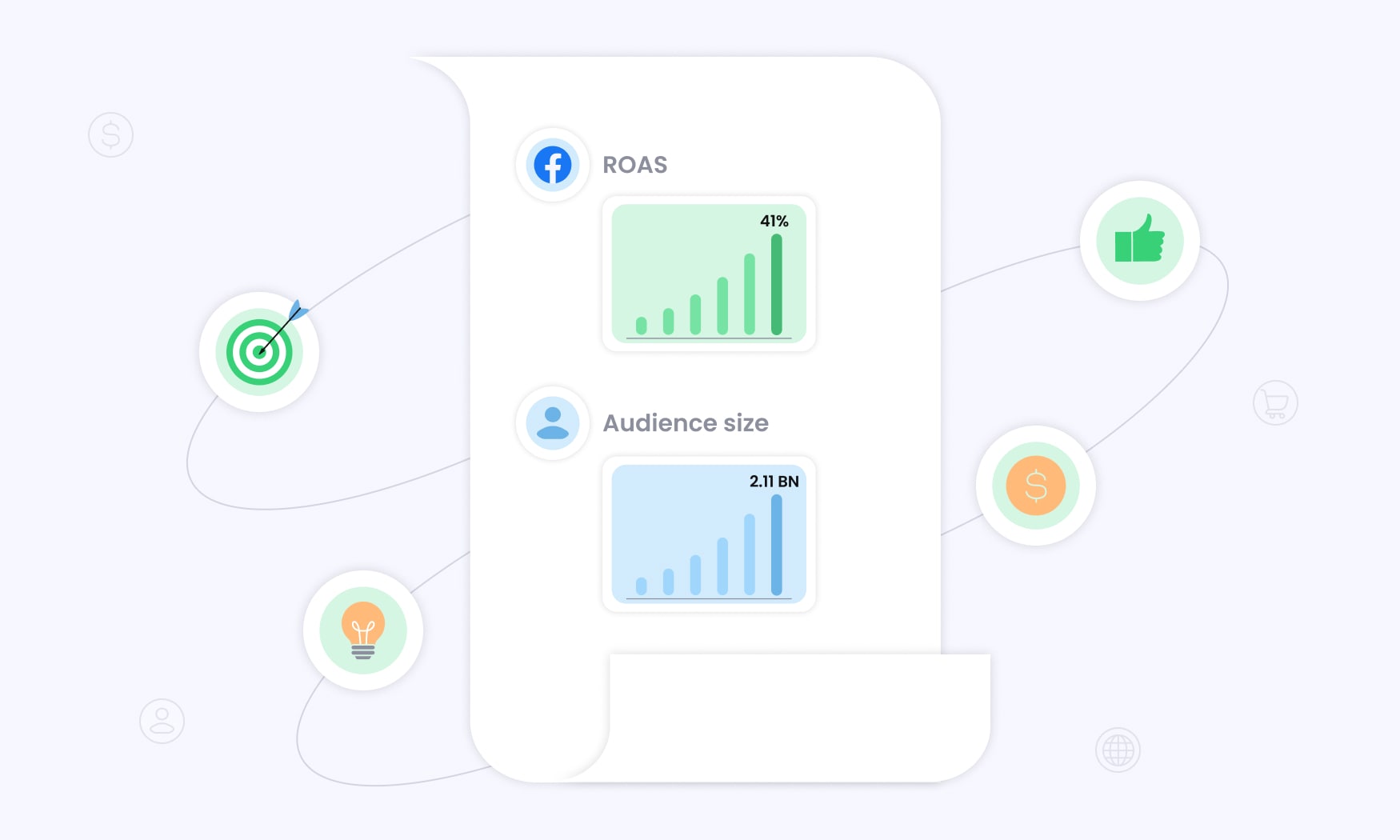
According to Statista, 41% of marketers get the best returns on ad spend (ROAS) with Facebook ads, so if it isn’t a part of your ecommerce marketing strategy, you’re leaving money on the table.
Check out additional reasons to use Facebook advertising for ecommerce:
- Audience size – Over 2.11 billion people use Facebook every day, meaning that no matter what you sell, your target audience is hanging out there.
- Targeting – Facebook lets you target users by demographics, interests, behaviors, and even build a custom audience.
- Scalability – You don’t need deep pockets to start. Even a dollar a day gets you testing different ad formats or targeting options. Once you see what’s clicking, you can bump up your budget.
- Creative flexibility – You can test photos, videos, carousels, or collections until you find the style that drives clicks.
- Engagement – Your ads don’t just sell but start conversations, too. Likes, comments, and shares build trust and turn potential customers into buyers.
Facebook Ad Formats for eCommerce
Facebook gives you 13 ad types to choose from, but only a few really matter for online stores:
- Image ads – Images are perfect when you just want to grab attention at the top of the sales funnel with a clean product photo or a bold promo. You can upload your own pictures or use stock images.
- Video ads – Use these mid-funnel to demonstrate product usage or features, tell a story, or build trust with a warm audience. Facebook lets you upload videos directly or create one using the built-in video editing tools in Ads Manager.
- Carousel ads – Carousels are a goldmine when attracting new customers and retargeting visitors. You can show off up to 10 products or videos on a swipeable shelf, each with its own link.
- Collection ads – Customized for each individual, collection ads open into a full-screen browsing experience, so shoppers can check out without even leaving Facebook.
- Dynamic product ads – If someone viewed a product but didn’t buy, dynamic ads follow them around with that exact item until they finally checkout.
- Messenger or WhatsApp – Instead of just pushing an ad, you can start a chat. They are perfect for shoppers with questions or hesitations who just need that extra nudge to buy.
Step-by-Step Guide to Facebook Advertising
Facebook advertising for ecommerce can feel overwhelming, but the setup is easier than it looks. Here’s a simple way to launch your first campaign.
1. Create a Business Manager Account
This is your control hub for everything Meta ads. It keeps your pages, ad accounts, and permissions in one place so you’re not mixing business with your personal life.
Follow these steps to set up a Business Manager account:
- Create a Facebook Business Page if you don’t already have one.
- Sign in to Meta Business Suite.
- Click Create a Business Portfolio.
- Enter your portfolio name, contact info, and business email.
- Add your Facebook Page and ad account (or create new ones).
- Invite teammates and set their permissions, if applicable.
2. Set Up Meta Pixel
The Meta Pixel (formerly called Facebook Pixel) is a small piece of code you add to your landing page. It tracks what people do after clicking your ad (things like viewing a product, adding to cart, or finishing a purchase). Plus, it’s easy to set up.
Just head to Business Manager > Events Manager > Connect Data Sources > Web. Then, copy the Meta Pixel and paste it into your site’s header.
However, users encounter issues such as events not firing consistently and not seeing the full picture of their advertising campaigns. That’s why ad tracking software like RedTrack exists. RedTrack uses server-side tracking and direct integrations to show you every conversion across all your traffic sources.
3. Start Campaign Creation
Once your Business Manager and Meta Pixel are ready, it’s time to spin up your first campaign. Here’s how the setup flows:
Choose a Buying Type
Meta gives you two options to pay for ads:
- Auction – a cost-effective approach where you bid against other advertisers in real time
- Reservation – more predictable approach, since you buy in advance
Select Your Campaign Objective
As an ecommerce store owner, the campaign objective is usually Sales (Conversions). But depending on where your customers are in the sales funnel, you might also choose:
- leads if you’re running a signup campaign;
- engagement if you want to build social proof;
- traffic if you care about impressions and clicks.
Give Your Campaign a Name
Naming your campaigns helps you stay organized when running multiple campaigns. Here’s a good naming format to use:
[Objective] – [Audience/Offer] – [Date]
Example: Sales – Lookalike/Summer Sale – Sept 2025
This way, when you’re reviewing dozens of campaigns in Ads Manager, you won’t be stuck trying to figure out what each one is for.
4. Set Budget Strategy
You’ll need to decide how you want Meta to spend your money. You’ve got two main options:
- Campaign budget – Meta automatically spreads your budget across all ad sets and puts more money behind the ones performing best. This is great if you want a “set it and forget it” approach.
- Ad set budget – You control exactly how much each ad set gets. It’s useful if you’re testing different audiences or offers and want equal spend on each.
You’ll also want to set your bid strategy, budget scheduling, and ad scheduling so your ads only spend when it makes the most sense.
5. Choose Audience Targeting
Audience targeting determines who sees your ads, and this step can make or break your advertising campaign. Luckily, Meta lets you get as broad or specific as you want.
- Saved audience – if you’ve already built audiences before, you can pull them in and save time.
- Locations – narrow down your audience by city or country.
- Age and gender – choose the age range and gender that makes sense for your product (default is 18–65 and all genders).
- Languages – target people by language, or leave it open if your ads are universal.
- Detailed targeting – drill into demographics, interests, and behaviors if you want precision.
- Custom audiences – retarget past visitors, email subscribers, or cart abandoners.
Meta can expand your reach beyond your chosen settings if it thinks it’ll improve performance.
6. Set Ad Placements
Placements decide where your ads show up across Meta’s ecosystem. By default, Meta will show your ads in the spots most likely to get results, but you can uncheck the ones you don’t like.
Here’s the breakdown:
- Feeds – Your ads are displayed in the Facebook, Threads, or Instagram feed. These are high-engagement spots because people are actively scrolling.
- Audience Network – These placements extend your ads to third-party apps and websites. If a platform feels off-brand, you can exclude it.
- Devices and Platforms – Run ads across the devices and Meta apps you want.
Apart from these settings, Meta lets you control the type of content your ads appear next to. You can block sensitive categories, filter out certain topics, or specify sites you don’t want your ads to appear on.
7. Build Your Ad
Building your e-commerce ad is where everything finally comes together (including the ad copy, visuals, and call-to-action that actually gets people to click).
Here’s what you’ll need to do:
- Choose your ad identity – decide which Facebook Page, Instagram account, or even Threads profile your ad will run from.
- Decide on ad setup – create a new ad or use an existing post that’s already performing well.
- Pick your creative source – choose between manual upload (image, video, or carousel) and Advantage+ catalog ads (dynamic product ads straight from your store).
- Enter destination details – add your website URL, choose a call-to-action (CTA) button, and even include a phone number if you want.
- Add ad creative – write your headline and primary text, upload your media, and use enhancements if available.
You can also include event details, set languages, or add translations to reach wider audiences, but these are optional.
8. Review and Publish the Ad
Before you click “Publish,” confirm your ad creatives are sized properly. These are Meta’s design specs based on ad type and placement:
Video Ads
- Stories and Reels – 1440 × 2560 pixels and a 9:16 ratio
- Feed – 1:1 aspect ratio (for desktop and mobile), and 4:5 (for mobile only), with a minimum width and height of 120 pixels
- In-Stream – 1080 × 1080 pixels, and a 16:9 of 1:1 aspect ratio
- Search results and Marketplace – 1:1 aspect ratio and at least 1080 × 1080 pixels
Image Ads
- Feed – 1.91:1 to 4:5 aspect ratio (minimum width of 600 pixels and a minimum height of 600 or 750 pixels)
- In-Stream – 1.91:1 to 4:5 aspect ratio and at least 1080 × 1080 pixels
- Stories – same specs as video Stories
- Search results and Reels – 1.91:1 to 1:1 aspect ratio (and a minimum width and height of 600 pixels)
- Facebook Marketplace – 1:1 aspect ratio and at least 1080 × 1080 pixels
Carousel Ads
- Feed, Marketplace, search results, and In-Stream – 1:1 aspect ratio and at least 1080 × 1080 pixels
- Stories – 1:1 aspect ratio and at least 1080 × 1920 pixels
Collection Ads
- Feed and Reels – 1:1 or 9:16 aspect ratio and at least 1080 × 1080 pixels
- Marketplace – 1:1 ratio and at least 1080 × 1080 pixels
Also, double-check your heading to confirm it’s between 5 and 12 words, so it grabs attention without dragging on. Once your targeting, budget, placements, and ad creative look good, hit the “Publish” button. Publishing your ad sends it into Meta’s review process, which usually takes a few minutes.
19 Strategies for Facebook Ecommerce Ads in 2025
If you want real results from your Facebook e-commerce advertising campaign in 2025, you’ve got to be creative with how you set things up. Check out some helpful tips.
Build a Full Funnel Ad Strategy
A lot of stores mess this up by running one type of ad and expecting miracles. But people rarely buy the first time they see your advertisement. That’s why you need ads at every stage of the sales funnel:
- Brand awareness ads – introduce your brand to new people, using images, videos, and Reels.
- Consideration ads – educate, explain, and build trust using videos, carousels, and testimonials.
- Conversion ads – use dynamic product ads and demos to retarget a warm audience.
Optimize your Ads for Mobile Devices
Roughly 76% of online customers are shopping on their smartphones, not desktops. So, if your ad doesn’t look good on mobile devices, you’re losing money.
Check out some mobile optimization tips for ecommerce advertising on Facebook:
- use vertical videos so they fill the whole screen;
- stick to square images for feeds;
- keep text short and scannable;
- take advantage of mobile-specific ad placements, like Reels and Stories;
- keep file sizes light to reduce page load times on mobile networks;
- use legible fonts on your ad creatives so viewers don’t have to strain their eyes.
And don’t forget to test how your checkout looks on a phone. If it’s clunky, you’ll see high bounce rates.
Use Different Ad Formats
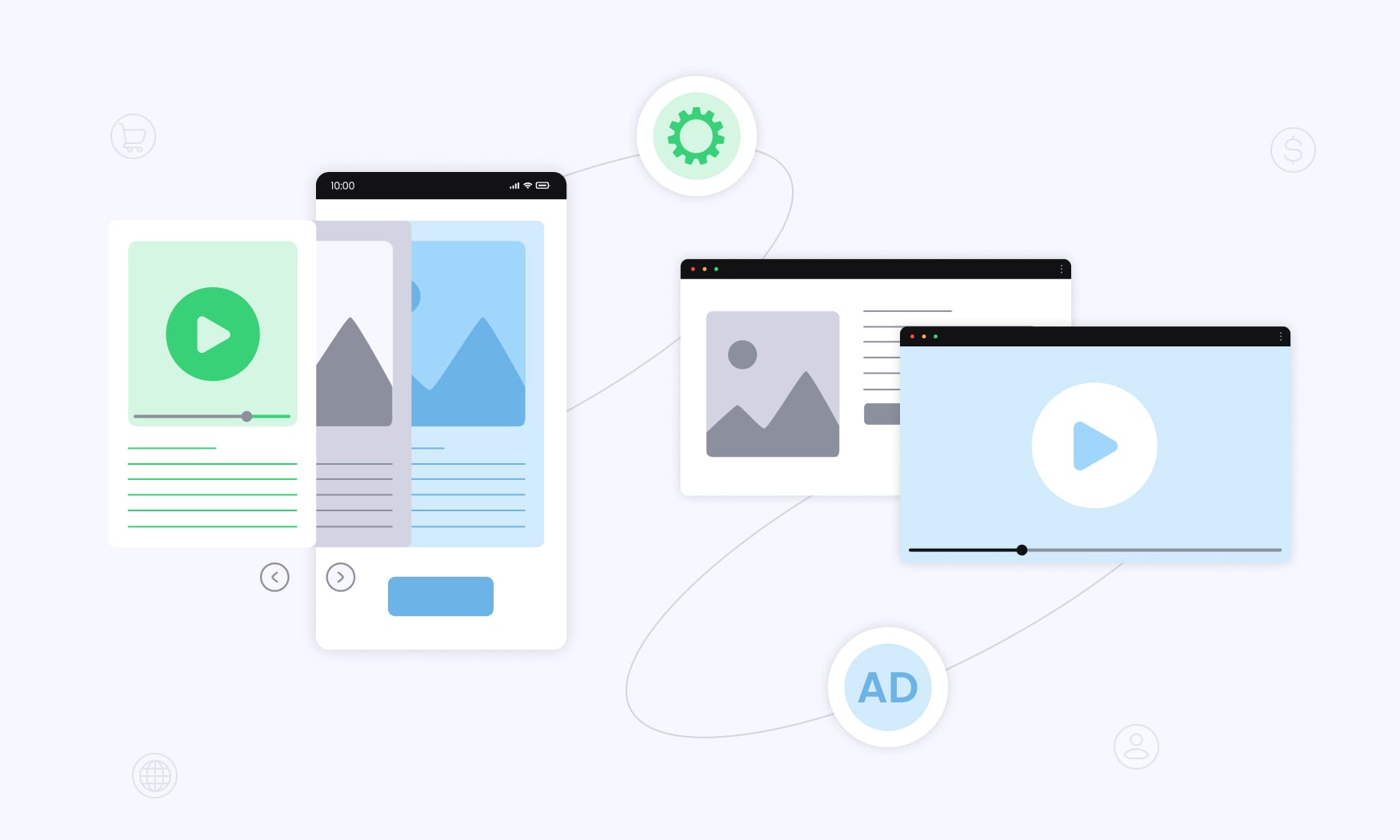
Image ads grab quick attention, videos explain and tell stories, carousels let you show off multiple items, and collections create an immersive shopping experience. That said, you shouldn’t put all your eggs in one basket.
Each format has a unique benefit in the conversion funnel. The key is to use multiple ad formats and meet your audience wherever they are, whether they’re just scrolling, comparing products, or ready to buy.
Run Dynamic Product Ads
Ever checked out a product on Facebook, and it started following you everywhere (even on third-party apps and websites)? That’s a dynamic product ad. This ad type is a lifesaver for ecommerce because it shows your ideal customers the exact items they were browsing, which keeps your store top of mind. Pair it with a discount or free shipping offer, and you’ll see abandoned carts turn into sales.
Set Realistic KPIs
It’s tempting to expect instant sales, but ecommerce Facebook ads don’t work like magic. You might start seeing consistent performance after 7–14 days, because the Meta algorithm goes through a learning phase to optimize ad delivery.
Factoring in this time frame will track the most realistic ecommerce growth metrics for your Facebook ads. If you need help setting goals that actually make sense for your stage of growth, follow these guidelines:
- If you’re running a new store, focus on reach, engagement rates, and traffic.
- As your store grows, shift to leads and add-to-cart events.
- For established stores, track conversions (such as sales) and ROAS.
Use Conversions API
Apple’s iOS updates made browser-based tracking less reliable, so the Meta Pixel might miss some customer actions. Conversions API (CAPI) tracking solves this by sending events directly from your server to Facebook, ensuring more accurate tracking and reporting for your ads.
However, setting up CAPI on your own isn’t fun unless you’re a tracking engineer. Between servers, event deduplication, consent rules, and endless API updates, you’re left with two choices–hire a developer or burn hours (sometimes days) trying to figure it out. Either way, you’re spending time and money on trial and error. That’s exactly why CAPI is built right into RedTrack.
With RedTrack, you get:
- Seamless integrations with 200+ platforms, including Meta, Google, and TikTok.
- Reliable server-side data that accurately tracks every conversion (from website actions and in-app events to offline purchases).
- Automatic event handling so your data isn’t double-counted or lost.
- Flexible APIs that give you full tracking control without the technical complexities.
RedTrack makes CAPI simple, so you can focus on scaling your e-commerce store instead of troubleshooting code.
Ensure Smooth Checkout
You can run the best Facebook e-commerce advertisement campaign in the world, but if checkout is a nightmare, people will bail, which explains why 18% of online shoppers abandon their carts when the process gets complicated.
But you don’t have to lose sales over something fixable. Follow these steps to provide a smooth checkout experience:
- Make sure your site loads in three seconds or less.
- Buttons and fields should be thumb-friendly.
- Offer guest checkout.
- Accept multiple payment methods (including credit and debit cards and PayPal).
- Share clear shipping info on the checkout page.
You work hard to bring in customers, so don’t lose them to a clunky checkout process.
Use Promotions and Discounts
Ads with deep discounts tend to grab more attention than regular product ads. You’ve got plenty of options here, from flash sales with short time limits to bundle offers and first-time discounts (which are great for cold audiences who need a nudge). Use promos strategically–enough to spark action, but not so often that customers wait for sales instead of paying the full price.
Run Seasonal Campaigns
Shoppers expect brands to show up with juicy offers during key holidays and events. Don’t miss out on the big spikes in demand during Q4 holidays (such as Black Friday, Cyber Monday, Christmas, and New Year’s Eve).
Local holidays (like National Pizza Day, or whatever is relevant to your niche) can give you an edge too, especially when competitors aren’t paying attention. The bottom line is to align your creative and offers with the season, and your ads feel timely.
Run A/B Tests
Think of how much time and money you’ll spend on a campaign that doesn’t resonate with your audience. With A/B testing, you’re comparing two versions of the same element to see which one delivers the best results.
You can test:
- different headlines;
- images vs. videos to see which grabs the most attention;
- broad vs. interest-based audiences;
- lifetime versus daily budgets.
Sometimes, the tiniest tweak (like using a clear CTA) can lead to massive wins, such as higher click-through rates and more sales.
Refresh Your Ad Creatives
Your advertisement will eventually hit “ad fatigue,” where performance drops because people have seen the same thing too often. Refreshing creatives keeps your brand interesting and clickable. A refresh doesn’t mean reinventing everything, though. You just need to make smart tweaks, like:
- swapping product-only shots with lifestyle photos;
- testing shorter vs. longer headlines.
- reusing proven angles but changing colors, visuals, or CTAs;
- updating offers seasonally (summer vs. holiday vibes).
Refreshing your ad creatives is a lot like changing your wardrobe–same style, new look, and suddenly, people notice again.
Scale With Meta’s Advantage+ Shopping Campaigns (ASC)
Advantage+ Shopping is Facebook’s machine learning tool for ecommerce growth. Instead of juggling multiple ad sets, Meta’s algorithm does the heavy lifting by:
- automatically testing and optimizing placements, creatives, and audiences;
- finding high-intent buyers faster than manual targeting;
- balancing retargeting and prospecting in one campaign.
ASC campaigns work best once you already have strong creative assets and reliable product data.
Collect First-Party Data
First-party data is customer info you collect directly, and with their permission. These include emails, phone numbers, and preferences. You can collect first-party data through these methods:
- Offer a discount or freebie for email or SMS sign-ups.
- Run Facebook lead ads tied to your CRM.
- Capture customer preferences at checkout.
This data ensures precise retargeting, helps you build accurate lookalike audiences, and protects your brand from sudden ad platform changes or privacy updates.
Leverage AI-Powered Creative Generation
Artificial intelligence is transforming the digital space, and that includes ad creation. AI tools can generate ad copy, edit visuals, and suggest new hooks in minutes, saving teams hours of manual work.
You can use AI to:
- brainstorm headlines, captions, or value props;
- auto-generate multiple creative variations for A/B testing;
- instantly resize images and videos for different placements.
The key is balance. Let AI give you speed and variety, but always refine the final version with your brand’s human voice so the ads still feel real and authentic.
Use Social Commerce
Social commerce is when customers buy products directly inside social media platforms like Facebook without being redirected to your website for checkout. It’s seamless, fast, and convenient, and you can set it up by following these easy steps:
- Create a Facebook Shop.
- Sync your product catalog so items can be tagged in posts and ads.
- Enable checkout within Facebook.
This matters because every extra click hurts conversion rates. Social commerce removes those hurdles and makes buying as easy as tapping on a tagged product in a post.
Scale With Lookalike Audiences
Lookalike audiences let you reach people who share similar traits with your best customers. Facebook analyzes your existing buyers and finds new prospects who “look like” them.
Here are some tips for creating lookalike audiences:
- Try lookalikes at 1%, 3%, and 5% to see what clicks.
- Run them side by side and compare the results.
- Keep current buyers out so you’re not wasting ad spend.
- Update your source list often to stay sharp.
- Layer lookalikes with interest targeting to refine quality.
With lookalikes, you’re basically cloning your best customers without the guesswork of targeting random interests.
Retarget Warm Audiences
Not everyone buys the first time they see your ad. Facebook retargeting keeps your brand in front of people who already showed interest (including website visitors, product viewers, and add-to-cart abandoners).
It’s a friendly way to remind shoppers, “Hey, you left this behind. Still want it?”
You can simply show them the exact product they viewed but didn’t buy. Add a discount to it, and you’ll be surprised how many of them actually make a purchase. Retargeting ads also work for existing customers who might be interested in products similar to or related to what they already bought.
Automate Budget Shifts
Instead of babysitting your ads every hour, you can use Facebook’s automated rules to shift budget toward top-performing ad sets and pause the ones burning money.
You may decide to:
- increase budget by 20% if ROAS is above 3.0;
- pause ad sets if CPA goes above your threshold;
- reallocate spend to campaigns with the lowest CPC.
Automation saves you from constant manual tweaks and keeps your budget flowing toward what’s actually working.
Use Ad Management Software
Apart from Facebook, you’re probably advertising on Google, TikTok, and X. Running multiple campaigns across different platforms becomes a challenge and can feel like juggling flaming torches. Ad management software like RedTrack takes the chaos and turns it into a single, clear dashboard by:
- tracking all ad spend and performance in one place;
- showing accurate marketing attribution (not the biased ad platforms report);
- automating reporting, which means ditching boring spreadsheets;
- helping you spot winning campaigns faster and cut losers early.
If you’ve ever felt lost comparing cross-platform analytics, RedTrack shows you the real picture so you can finally trust your data.
Optimize Facebook E-commerce Ads With RedTrack
We’ve gone through every step of Facebook e-commerce advertising, from setting up your account to building creatives, testing strategies, and scaling what works. While these steps and best practices steer you in the right direction, none of it matters if you can’t trust your data. And that’s where most e-commerce businesses flop.
When it comes to attribution reporting, Facebook might tell you one number, Google shows you another, and in the end, you’re left wondering where your sales are really coming from. That’s frustrating, and it makes scaling feel like gambling.
RedTrack takes away that uncertainty. Instead of juggling different dashboards or stressing over whether the Meta Pixel tracked a conversion, you get an unbiased view of your ad performance. That means you finally know which ads are working, which audiences are worth doubling down on, and which advertising campaigns are just wasting your money.
What makes RedTrack even more useful is that it doesn’t stop at tracking. It enables multi-touch attribution models, automates the boring parts of campaign optimization, and integrates seamlessly with major ad networks and ecommerce platforms. So instead of gambling with your ad spend, you finally have clarity, control, and confidence.
Want to see it for yourself? Book a free demo and let us show you how to scale smarter.


