
If you’ve been running ads lately, you’ve probably heard about Conversion API and why it matters more than ever. Privacy updates, iOS changes, and cookie restrictions have made traditional pixel tracking unreliable.
The result? Lost conversions, broken attribution, and wasted ad spend.
That’s where CAPI Tracking comes in.
Instead of depending on fragile browser scripts, CAPI creates a direct, server-to-server connection that ensures your conversion data always reaches the platforms you advertise on. Whether it’s Meta, Google, or TikTok, CAPI helps you track more events, feed cleaner data into algorithms, and keep your campaigns profitable.
In this guide, we’ll break down how CAPI works, why it’s a game-changer for performance marketers, and how RedTrack makes implementation simple — so you can stop worrying about tracking gaps and focus on scaling results.
What is CAPI Tracking?
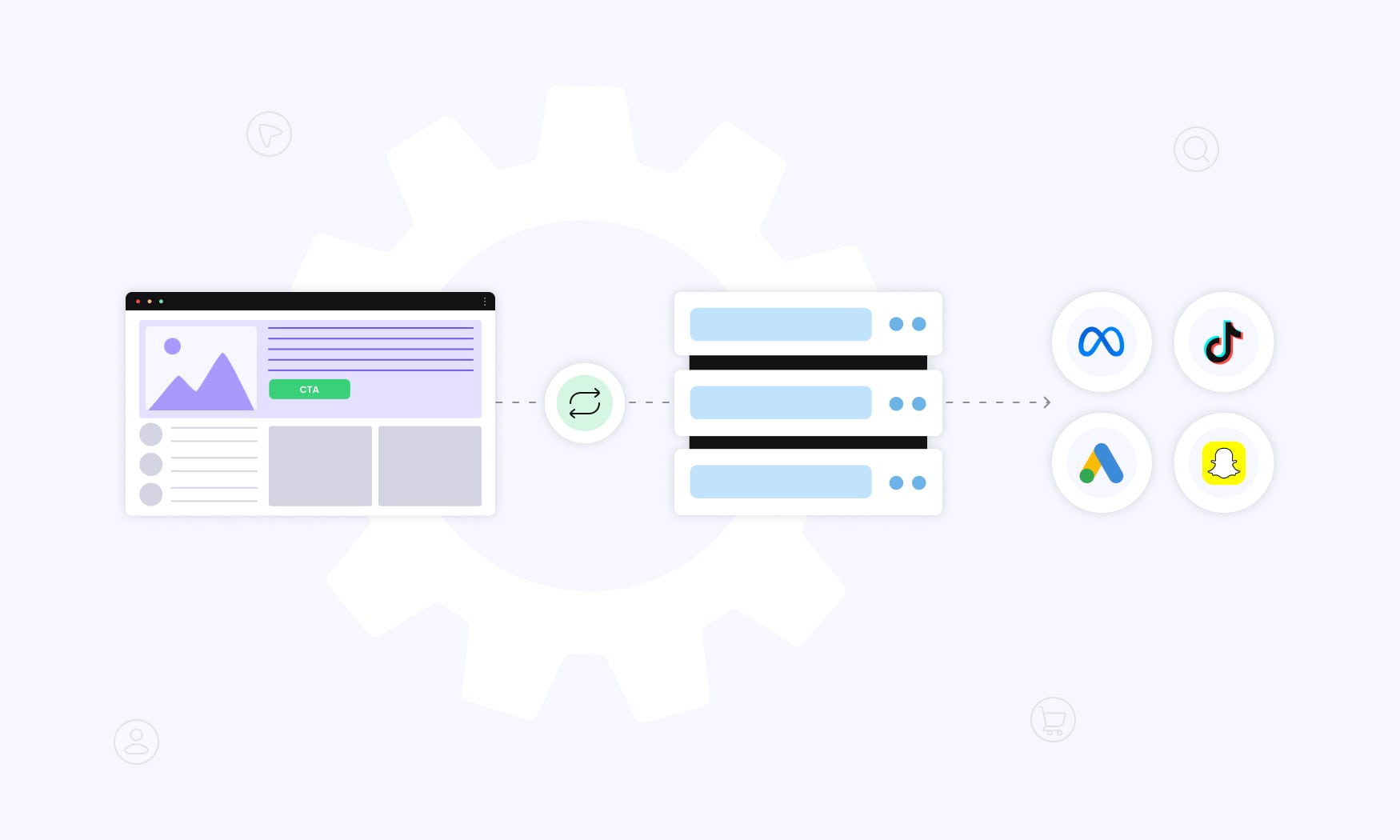
CAPI (Conversions API) tracking is a server-side way of sending your conversion data straight from your business server to platforms like Facebook, Google, TikTok, and Snapchat. Instead of relying on browser pixels that break with ad blockers or iOS 14.5+, CAPI creates a secure server-to-server link that keeps your tracking accurate.
Think of it as a shift from client-side tracking to server-side tracking. When someone interacts with your site or app, you’re no longer depending on their browser to pass that data along. Instead, your own servers send the conversion details directly to the ad platform through safe API connections.
With this setup, you can capture first-party data across everything that matters: website actions, app events, offline purchases, CRM syncs, even messaging conversions.
And the best part? These events are recorded no matter what — ad blockers, cookie restrictions, or privacy updates won’t cut holes in your data anymore.
CAPI also helps you stay compliant. By keeping the data flow on your servers before passing it on, you get more control over privacy, consent, and regulations like GDPR or CCPA. At the same time, you keep the accuracy you need for real conversion measurement.
How Conversion API Tracking Works
With Conversion API, events are collected server-side instead of relying on third party data or the Meta Pixel alone. That means when someone makes a purchase, fills out a form, or even completes an offline action, the event is captured and stored directly on your servers as first-party data.
Here’s the flow in action:
Step 1: Event Capture – The moment a user converts — whether it’s buying, signing up, or installing your app — your servers log the event details. That includes things like purchase value, customer identifiers, timestamps, and any custom parameters you choose.
Step 2: Data Processing – Next, your servers prep the data. This can mean hashing personal identifiers, applying privacy rules, and formatting everything correctly. It’s how you stay compliant while keeping the data usable for ad platforms.
Step 3: API Transmission – From there, the conversion data is sent through secure API endpoints straight to advertising platforms like Meta, Google, or TikTok. No browser needed — which means no interference from ad blockers, cookie restrictions, or broken pixels.
Step 4: Platform Processing – Finally, the platform matches your server-side events to user profiles, using multiple signals for accuracy. This powers better targeting, attribution, and optimization. And to avoid double-counting, event deduplication makes sure conversions are counted once, even if you’re running both the Meta Pixel and conversion API at the same time.
All of this happens in seconds, so platforms can feed your conversion data into real-time bidding and optimization almost instantly.
Key Benefits of CAPI Tracking
It was quite hard to list all benefits and pros of conversion API tracking, so we included the top 3.
Enhanced Data Accuracy and Completeness
With CAPI, you can track 20–30% more conversions than with pixel-only setups. Why? Because server-to-server tracking isn’t blocked by ad blockers, iOS restrictions, or browser quirks that kill traditional pixels.
When tracking runs through your server, events fire consistently — even if a user disables JavaScript, blocks third-party cookies, or browses in private mode. Pixels fail in those cases. CAPI doesn’t, because it doesn’t rely on the browser in the first place.
Real-time transmission also cuts down on data loss. If someone abandons a page before it fully loads, a pixel may never fire. But with CAPI, your servers still transmit data directly to ad platforms, so the conversion is captured regardless of user behavior.
And here’s the best part: you’re not stuck with limited, predefined events. CAPI lets you pass custom event parameters and attributes — like product details, customer lifetime value, or CRM signals. That means you can give platforms far richer data for optimization than the pixel ever could.
Improved Campaign Performance
Facebook advertisers often see a 15–25% boost in ROAS when running CAPI alongside the Meta Pixel.
The reason is simple: better attribution and stronger audience targeting.
With more complete conversion data coming through, ad platforms can finally let their machine learning models make smarter optimization calls.
That richer stream of data also powers AI-driven campaign types like Google Performance Max and Meta Advantage+. With CAPI in place, these systems can optimize bidding and creative testing more effectively. In practice, it means they can quickly identify high-value prospects and adjust bids in real time to optimize ad delivery.
Audience building benefits, too. Traditional pixels only capture online activity, but CAPI gives you the ability to feed in first-party signals like offline purchases, CRM attributes, or even lifetime value. With that data in play, lookalike audiences become far more precise, helping you reach prospects that genuinely mirror your best customers.
Finally, attribution gets an upgrade!
Cookie-based tracking usually cuts off after 30 days — sometimes even less. Server-side tracking extends those attribution windows across devices and over longer journeys, giving you a clearer view of how your campaigns actually perform from first click to final purchase.
Privacy Compliance and Future-Proofing
CAPI relies on first-party data collection, which makes it fully compliant with iOS 15+ App Tracking Transparency rules and prepares you for Chrome’s phase-out of third-party cookies in 2024. As privacy laws tighten and browser restrictions grow, CAPI offers a reliable, compliant path to keep your conversion measurement intact.
You also get more control over user consent management.
Because the tracking runs server-side, you decide how data is shared and stored. Instead of leaving it to third-party systems, your servers can apply consent logic that respects each user’s choices while still capturing the maximum amount of compliant data.
For businesses handling sensitive data, CAPI also supports data residency requirements. GDPR and similar regulations demand regional controls, and with server-side tracking you can keep conversion data within EU borders — or apply the same level of control in other regions where compliance matters.
And here’s the future-proofing part: by reducing reliance on browser-based tracking, you’re far less exposed to whatever Apple, Google, or regulators throw at us next. With CAPI, you maintain a direct, server-to-server connection to every relevant advertising platform, ensuring accurate measurement and stable performance even as privacy updates keep evolving.
CAPI Tracking vs Traditional Pixel Tracking
Knowing the core differences between Conversion API tracking and traditional pixel tracking is key to choosing the right conversion measurement strategy. Both approaches come with their own strengths and drawbacks — from data accuracy to setup effort to how future-proof they are — and understanding these trade-offs helps you make smarter, long-term decisions.
| Aspect | Traditional Pixel Tracking | CAPI Tracking |
| Data Collection Location | Client-side (user’s browser) | Server-side (your servers) |
| Ad Blocker Impact | Blocked by most ad blockers | Immune to ad blockers |
| Browser Restrictions | Affected by cookie policies | Unaffected by browser settings |
| Privacy Compliance | Limited control over data | Full control over data sharing |
| Implementation Complexity | Simple JavaScript snippet | Requires server development |
| Data Customization | Limited to predefined events | Unlimited custom parameters |
| Offline Tracking | Not possible | Supports offline conversions |
| Technical Maintenance | Minimal ongoing work | Regular API updates needed |
Data Collection Methods
Pixel tracking works client-side, relying on JavaScript inside the user’s browser.
And that’s what makes it fragile.
Ad blockers, script errors, slow load times, or privacy settings can all stop it from firing correctly. When the Facebook Pixel or similar code runs on your site, it only works if the browser environment allows it. If JavaScript is disabled, the page hangs, or a visitor leaves too quickly, you lose conversion data.
CAPI tracking solves that by moving the process server-side. Instead of depending on the browser, your servers log the event the moment it happens and transmit the details through secure API calls. This direct connection ensures consistent delivery no matter what device, settings, or behavior the user has.
The most effective approach is often hybrid tracking. Pixels handle instant browser-based events, while CAPI captures the full conversion journey. Running Facebook Conversions API alongside the Facebook Pixel with event deduplication means you prevent double-counting while maximizing the data you collect.
And here’s a key difference: with pixel tracking, the data belongs to the advertising platform.
With CAPI, you stay in control. Your servers decide what’s validated, processed, and shared. That ownership not only gives you more transparency but also helps you optimize ad targeting by sending the platforms only the most accurate, valuable data.
Implementation Complexity and Maintenance
Setting up a pixel is simple: you drop a small JavaScript snippet on your site and you’re done. But that simplicity comes with limits. Debugging can be frustrating because everything runs inside the user’s browser, where you have little control or visibility when things go wrong.
CAPI, on the other hand, runs server-side and gives you full control over the data flow. The trade-off?
It takes more work to set up.
You need server-side development, API authentication, event mapping, and a solid understanding of your conversion tracking needs. It usually calls for backend expertise and technical resources that many teams don’t have in-house.
Reliable operation also requires infrastructure. Think SSL certificates, webhook handling, error logging, and data validation. Your servers need to manage secure connections, handle API rate limits, process batch requests, and retry failed transmissions — all without dropping data.
And once it’s live, CAPI demands active monitoring.
You’ll need to track server performance, keep an eye on API limits, and ensure endpoint uptime. With pixels, you often don’t know there’s an issue until conversions stop showing up. With CAPI, the responsibility shifts to you — meaning proactive monitoring is the only way to guarantee smooth, continuous tracking.
Major Platforms Supporting CAPI Tracking
Most major ad platforms now support their own version of CAPI to ensure more accurate tracking and stronger optimization.
Meta (Facebook) Conversions API is the most advanced and widely used. It supports web, app, offline, and messaging events with strong event matching. Businesses can set it up through partner integrations like Shopify or WooCommerce, third-party services, or custom development. Meta also provides feedback on event quality to help advertisers improve matching, which directly boosts attribution accuracy and targeting.
Google’s Enhanced Conversions and Conversion API work across Google Ads, GA4, and Shopping campaigns. Implementations vary from Google Tag Manager server-side to Measurement Protocol or the Google Ads API. Using hashed customer data, Google improves attribution while staying privacy-compliant. For advanced users, integrations with Google Cloud allow deeper data processing and machine learning applications.
TikTok, Snapchat, Pinterest, and LinkedIn also provide their own CAPIs. TikTok’s Events API improves ad delivery with both online and offline events. Snapchat focuses on mobile-first conversion tracking, Pinterest connects with product catalogs for e-commerce optimization, and LinkedIn enables B2B workflows like lead generation and account-based targeting.
While each platform has unique features, the core benefit is the same: server-to-server communication that bypasses browser limits, ensures reliable conversion tracking, and helps optimize ad delivery.
CAPI Tracking Without the Headache
If you’ve tried setting up CAPI, you know the pain. Between pixel blocks, iOS updates, and endless technical docs, it feels like you’re losing conversions every day. And the worst part? Your ad platforms are optimizing on incomplete data — which means wasted spend.
The “Do-It-Yourself” Reality
Yes, you could try:
- Shopify or WooCommerce plugins for quick setup.
- Google Tag Manager server-side or tools like Tealium for more control.
- Or even hiring a dev team to build a custom server.
But here’s the thing: all those paths come with trade-offs. Plugins often break or limit what you can track. GTM servers add monthly costs and still need ongoing maintenance. Custom dev eats weeks of time, requires dedicated hosting, and forces you to stay on top of API updates forever.
That’s not why you’re here. You’re not trying to become a tracking engineer. You just want accurate conversion data and more profitable ads.
The RedTrack Way
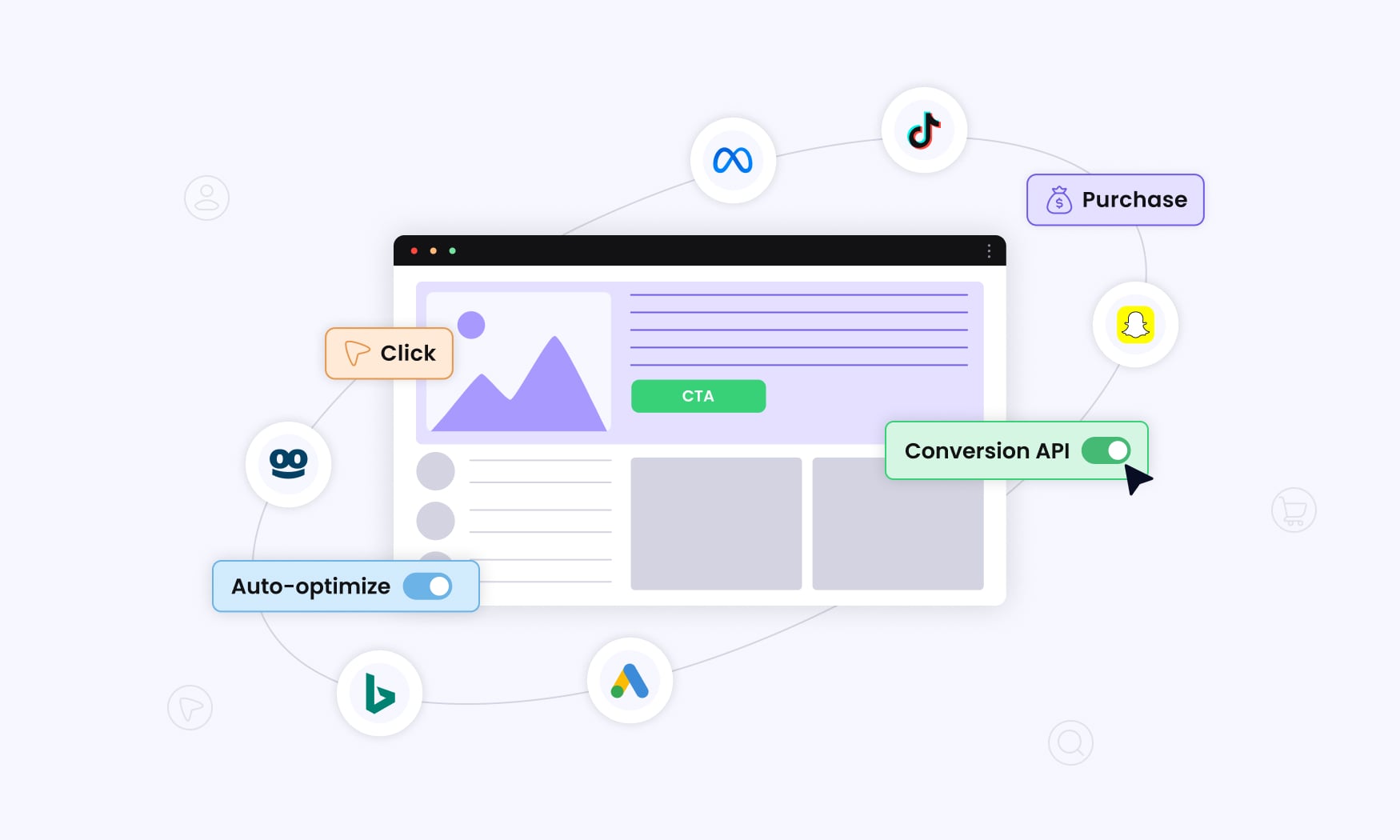
That’s exactly why we built CAPI tracking inside RedTrack.
- One-click integrations with Shopify, WooCommerce, and more.
- Pre-built server-to-server connections with Meta, Google, TikTok, Bing, Taboola, Outbrain and 200+ other platforms.
- Custom API access for agencies and media buyers who need flexibility — without building their own infrastructure.
- Automation on top: RedTrack doesn’t just send conversion data, it syncs costs, updates campaigns, and helps you scale winners automatically.
The result? You stop losing conversions to browser restrictions. Your ad platforms get clean, complete data. And you spend less time fighting tracking setups — and more time scaling campaigns.
The bottom line? RedTrack turns CAPI from a technical project into a plug-and-play solution that just works.
Conclusion – CAPI Tracking as Inevitable Future
CAPI tracking represents one of the biggest shifts in digital advertising. Instead of relying on fragile browser pixels, businesses now use server side data to keep their tracking accurate, privacy-compliant, and resilient to constant platform changes. Whether it’s Meta’s Conversions API, Google’s Enhanced Conversions, or TikTok’s Events API, the goal is the same: capture web events and website events reliably, then send data directly to the relevant advertising platform.
The benefits are clear. With server-to-server connections, you capture up to 30% more conversions, improve attribution, and feed richer signals into machine learning models. That means platforms can optimize ad delivery more effectively, create better audiences, and give you a truer picture of campaign performance. And as cookies disappear and privacy regulations tighten, conversion API tracking provides the compliant, future-proof way forward.
The challenge? Implementation. Between server hosting, API rate limits, event deduplication, and consent management, building and maintaining your own CAPI setup can quickly drain time and resources. That’s where RedTrack changes the game.
With RedTrack, you don’t need to wrestle with custom development or patch together multiple tools. Our platform gives you:
- Plug-and-play CAPI integrations with Meta, Google, TikTok, Bing, and 200+ other platforms.
- Reliable server side data collection that tracks every conversion, whether it comes from online, app, or offline channels.
- Automated event handling that ensures your web events and website events are captured, deduplicated, and transmitted accurately.
- Flexible APIs for agencies and advanced media buyers who want control without the heavy lifting.
The bottom line? You could spend weeks building your own conversion API setup — or you could let RedTrack handle it for you. With RedTrack, you get accurate tracking, better attribution, and more profitable campaigns, all without the complexity.
RedTrack makes CAPI tracking simple. So you can focus on scaling, not troubleshooting.


