
When Google Ads campaigns fail, most of the time it’s because of a handful of repeatable mistakes and setup issues that pierce a hole in your budget, repeatedly delivering unimpressive performance results.
Focusing on broad match keywords. Not weeding out negative keywords. Blending brand and non-brand traffic. Relying only on Google’s self-reported conversions. These are all the mistakes that will lead you to make poor decisions, thanks to misleading data and poor setup protocols.
Many performance marketers also ignore what happens after the click. You might have high-traffic but low-converting campaigns that keep running without delivering a profit. What you end up with is a false sense of profitability and clients (and you) wondering why?
In this article, we explain everything you need to know about setting up, optimizing, and running Google Ads in 2026. We also take you through the six core tactics that will put your Google Ads on the right path to profitability and we cover why RedTrack’s ad optimization software might be one of the solutions that fit your needs best.
Google Ads Optimization, Today & Post-iOS 14.5 (Same But Different)
Google Ads optimization is the ongoing process of tuning campaigns across keywords, bids, audiences, creatives, and landing pages to improve return on ad spend and cost-per-acquisition, not just clicks. In 2026, this definition hasn’t changed, but the execution has transformed completely.
Since the 2021 privacy changes came into place, they’ve broken the connection between ads and ROI in a few vital ways:
- iOS 14.5 introduced App Tracking Transparency
- Third-party cookies started to depreciate
- Ad blockers stripped tracking parameters from URLs.
The result? Inaccurate and incomplete data, which Google’s AI uses to optimize bidding ineffectively. So while your campaigns appear to perform one way in Google Ads, your actual revenue tells a different story.
This is why optimization now depends on accurate attribution. You must know which specific campaign, keyword, and ad actually generated revenue—not just a click or session.
At RedTrack, we use first-party, server-side tracking and S2S postbacks to Google to recover conversions that the Google pixel alone misses. First-party tracking accuracy reportedly exceeds 95%, improving the recovery of conversions lost to various restrictions. This means smart bidding finally has the data it needs to work.
The 6 Core Tactics You Can Use to Improve Google Ads Performance
To get the best results, you should use the six tactics below on a regular basis.
For example
- Run weekly reviews
- Monthly deep-dive audits
Also, consistent monitoring and optimization are vital if you want to see long-term success across your portfolios and advertising campaigns. Why? Because data-driven adjustments make sure your budgets are utilized effectively.
Don’t forget: Each tactic should be driven and informed by real-life performance data, which needs to come from an independent attribution source – like RedTrack, not Google’s self-reported conversions.
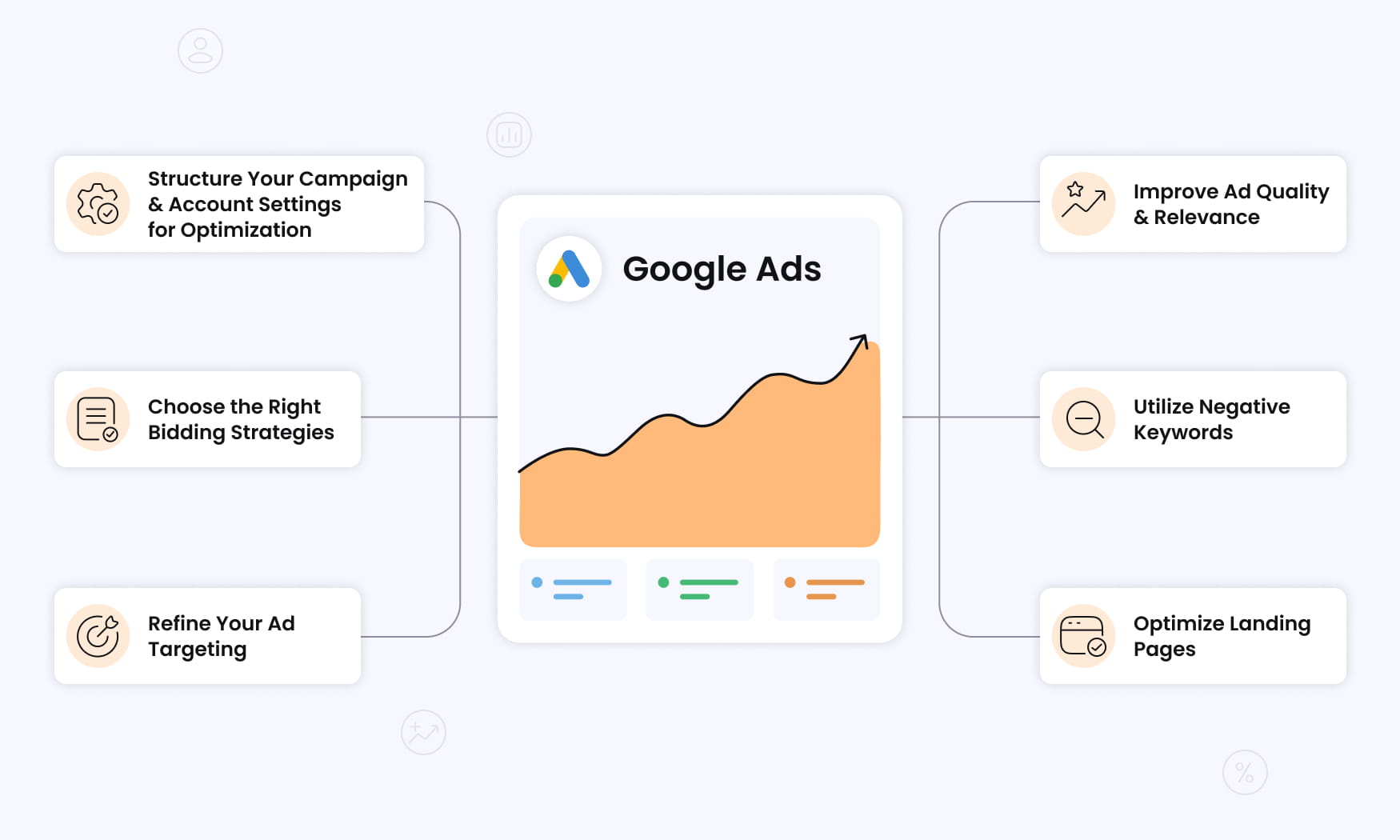
1. Structure Your Campaign & Account Settings for Optimization
First up, if you want higher quality score ratings and lower CPCs, you need to have a proper account structure in place.
This means having campaigns, ad groups, and keywords tightly themed. That’s what lets Google better match your ads to relevant searches.
A Note on Consolidating Campaigns
Make sure you separate the following campaigns so budgets and optimizations don’t compete blindly:
- Performance Max
- Search
- Shopping
- YouTube
This is important because consolidating campaigns can only accelerate smart bidding learning cycles if the grouped keywords share a similar intent and conversion platforms.
Be Precise When Selecting Geographies & Languages
One thing you want to avoid is the “All countries and territories” default.
If you’re an English-only SaaS business targeting enterprise buyers, make sure you select English-speaking geographies such as:
- United States
- Canada
- United Kingdom
This will eliminate your budget being spent on ads to people and businesses who are not your target market, and improve ad relevance.
Take the right approach with Google Network & Partner Settings
This is one thing many advertisers overlook, but it’s a crucial factor because it’s a high-impact one.
When you set up your campaign, Google can show your ads in two places:
- Google Search – This is the page that opens up when you type in a keyword and click search.
- Google Search Partner Network Sites – This includes YouTube, Ask.com, Google Maps and Google Images.
The core differences between the two you need to know are:
| Google Search Engine | Google Search Partner Networks |
| High intent High-quality traffic High conversions Higher CPC | Medium-to-low intent Medium-to-low traffic quality Lower conversions (more volatile) Lower CPC |
| Users actively search with clear intent | Users search, but in less commercial contexts (browsing) |
| Queries are more predictable | A mix of low-quality and some strong queries (vague and less predictable |
| Cleaner data you can use for optimization | Less transparency & data visibility around placement-level reporting |
The best approach is to start with Google Search only. Gather 30-50 conversions which will give you a clear performance baseline. Once you have this, then you can start to experiment with Google Search Partners:
- Turn on Search Partners and let it run
- Compare CPA/ROAS against your initial Google Search baseline
- If performance drops, take that as a sign that Search Partners are not helping your campaign
- If performance picks up, that’s a sign Search Partner ads are boosting profits
Keep Device Conversions Differences Top of Mind
Conversion rates on mobile devices are not the same as they are on desktops.
A mobile device user is:
- Primarily in browsing mode, probably in the research stage of the buying journey
- Quickly scanning the screen, and is easily distracted
- Clicking on links often, but not converting much
A desktop user is:
- More focused, has more time to consider purchases carefully
- More likely to fill in forms or complete purchases
- More likely to convert
To get the most value for your budget and allocate the right amount to running ads on mobile and desktop (proportionate to the percentage of conversions you get from each), you’ll need to track conversions on both devices for your ad campaigns and adjust accordingly.
2. Choose the Right Bidding Strategies
Your bidding strategy determines how your ad budgets will be allocated and spent.
You have several options, which range from total manual control to full-scale automation. All the options are listed in the table below.
| Strategy | Best For | Requirement |
| Manual CPC | Small experimental campaigns, brand defense | Time and expertise |
| Enhanced CPC | Transitioning to automation | Some conversion history |
| Maximize Conversions | New campaigns building data | Accurate conversion tracking |
| Target CPA | Lead gen with strict CPL ceilings | 30+ monthly conversions |
| Target ROAS | E-commerce, revenue optimization | 30+ monthly conversions, revenue values |
However, a couple of things to keep in mind when setting your bidding strategy:
- Start new campaigns on Maximize Conversions until you hit 30-50 conversions.
- Then move on to Target CPA or Target ROAS, but align them with your actual margins.
- Don’t go for smart bidding strategies (like Target ROAS) until you have at least 30 conversions in 30 days.
- Make sure you adjust bids based on keyword performance and user intent (that way, you prioritize terms most likely to convert).
Remember: Tools like RedTrack can automatically feed high-match-rate conversion data back to Google via Conversion API. This opens the door to smart bidding with accurate signals that Google algorithms need to deliver the best results.
3. Refine Your Ad Targeting
Google Ads targeting works on a layered system. It covers keywords, locations, demographics, audiences, and devices.
When you combine all these layers, you’ll get the most effective strategy. So don’t rely solely on keywords – it’s not enough.
Here are a few helpful tips for all the layers:
- Geographic targeting: If you’re an e-commerce brand that mostly sells to California, Texas, Florida, and New York, it’s a good idea to create separate campaigns (or ad groups) for these key states. That way, bid adjustments and budget allocation will be based on your actual performance data, by region.
- Demographic refinements: Review and refine your campaign data to pick up any underperforming segments. Say you notice 18-24 year-olds show a 0.7% conversion rate while 35-44 year-olds show a significantly higher 3%. This tells you you should decrease bids for the younger segment, particularly for high-ticket products.
- Audience layering: If you want to dramatically increase your conversion rate, you need to do some audience layering. Go and combine search intent keywords with remarketing lists (RLSA) and first-party audiences from your CRM data (previous purchasers, cart abandoners, high-value customers).
- Phrase matching: Use a mix of phrase match and exact match to improve precise targeting. Only use broad match with smart bidding. When you combine audience layers with broad match keywords, it helps maintain high intent while also expanding reach.
- Long-tail keywords: Don’t shy away from long-tail keywords with 3-5 word phrases because this results in better targeting and gives your ad campaigns a competitive edge (you have less competition with these keywords).
- Conversion hotspot: Review performance by hour and day to find your conversion hot spots when your target audience converts the most. Then simply go and reduce or pause ads during low-conversion periods and reallocate ad budget on the high-performing ones.
4. Improve Ad Quality and Relevance
Google’s ad quality score is built on three elements:
- Expected click-through rate (CTR)
- Ad relevance
- Landing page experience
Each one directly affects the CPC and your ad position. To up your chances of scoring high on all three, here are some handy tactics:
- Make headlines = queries: If users are typing “buy running shoes online,” then mirror that in your headline. Make it reflect that intent, exactly, and add a perk: “Buy Running Shoes Online – Same-Day Shipping.” This will improve your CTR and ad relevance all at once.
- Think variety to hit all angles: Aim for 8-10 headlines and 3-4 descriptions, test different benefit-driven angles including price, speed, guarantee, and social proof. Responsive Search Ads lets Google test different combinations of headlines and descriptions to work out the best-performing ones.
- Expand your ad’s footprint: Ad assets like sitelinks and callouts so buyers have more entry points. This will ultimately improve both CTR and the relevance signal Google receives.
Don’t forget: Benefit-driven copy in ads outperforms feature-driven copy. That’s because it appeals to buyers’ desires and specifically focuses on the solution to their specific problem. Use strong verbs and aspirational language that help buyers visualize the improvement the product will provide.
5. Utilize Negative Keywords
Alongside your winning keywords, you should also know, track, and utilize negative keywords, which prevent your ads from appearing on irrelevant queries. This will protect your budget from going to targeting an irrelevant user that are never going to convert.
When you identify and utilize negative keyword optimization, your ads won’t be triggered by searches that don’t align with your products or services, and that gives you an extra way to improve campaign efficiency. If you don’t take advantage of this tactic, wasteful keywords will drain valuable budget spend that’s better placed elsewhere.
Here are a few examples that might help when it comes to identifying and weeding out negative keywords that have the wrong intent:
- Job seeker queries: salary, hiring, jobs, careers
- Student queries: assignment, essay, homework
- Support queries: billing, login, password reset, cancel subscription
Mining your Search Terms report weekly is one of the highest ROI activities you can do in Google Ads to optimize budget spend and campaign performance.
Top tip: Take your master negative keywords list and apply it across campaigns to make sure new campaigns automatically apply these exclusions. Independent tracking tools like RedTrack can also reveal which terms are driving high click volume and resulting in zero conversions. These are the keywords you need to drop.
6. Optimize Landing Pages
Bad landing pages can destroy the best of Google Ads campaign optimizations. If your landing pages are slow to load, filled with confusing copy, or misaligned claims, all the above setup and optimizations done correctly won’t mean a thing.
To prevent bad landing page experiences from being an issue, here are five pieces of advice you should lean on:
- Speed is a must-have: Your pages must load in 3 seconds on mobile and desktop. Anything longer than that will see your visitors leaving.
- Your messages need to match: The copy you have in your ad needs to be reflected exactly in the hero copy of your landing page.
- Include trust elements: Think recent reviews and testimonials, recognizable brand logos, money-back guarantees, and clear, transparent pricing.
- Do A/B testing: Systematically test headlines, hero images, CTAs, and form length.
Top tip: Dig for deeper insights. Use session recordings, heatmaps, and scroll depth tracking to find out exactly where users drop off and fix it.
Why RedTrack is What You’re Missing to Optimize Google Ads Properly
Optimizing Google Ads doesn’t just depend on the campaign structure and setup. What drives optimization and ultimately performance is the quality of data and systems you have in place to make better budget and scaling decisions.
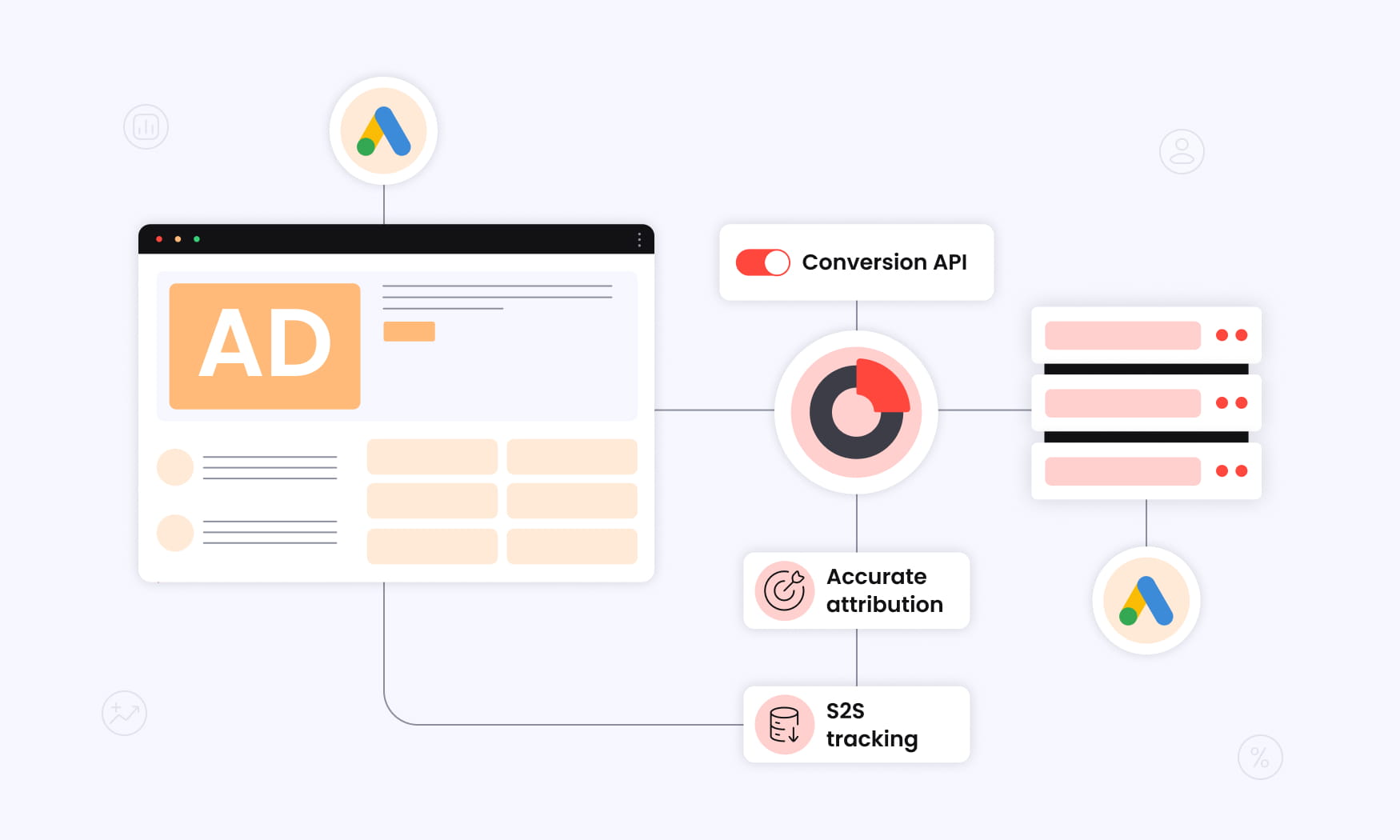
If you don’t have an unbiased set of performance data across your channels, you’re bound to put money in the wrong campaigns. You can do all the copy and creative fixes, but that still won’t fix the broken data issue.
RedTrack is a platform that eliminates all the failures that make bad data drive ineffective strategies. It takes fragmented data from across all your ad channels and brings it into order so you have a single reliable source of truth of performance across the board.
Not only does it do a feedback sending clean conversion, and performance data back to your ad platforms (via CAPI), it also gives you dashboards that display side by side how each channel is performing across multiple metrics.
So you get to see which campaigns, ads, and channels are driving real revenue, which changes the way you make decisions.
With server-side tracking, RedTrack gives you real-time analytics across all your ad channels, letting you run ROAS-based bidding so your ads reach the target audience you’re chasing.
If you want to stop running Google Ad campaigns that don’t perform, book a demo with us to find out how the platform helps you optimize ads and campaigns across all your other channels, too.
Ready to give the tool a go? Sign up for our 14-day free trial.


