
How much your competitors are really spending on Google Ads in 2025?
The truth is, ad budgets are no longer a mystery.
With the right tools and methods, you can uncover reliable estimates of your rivals’ ad spend, spot where they invest the most, and use those insights to outsmart them.
The best part? You don’t need to guess or rely on outdated tricks.
In this guide, we’ll walk you through step-by-step ways to check competitors’ Google Ads budgets, from free methods to advanced solutions that deliver deeper insights.
By the end, you’ll know exactly how to benchmark your campaigns against the competition and make smarter budget decisions that give you an edge.
Because if you’re not keeping an eye on your competitors’ spend, you’re probably leaving money on the table!
Understanding Competitor Google Ads Budget Analysis
Competitor Google Ads budget analysis is all about reading the signals.
You’re not getting exact spend data (Google does keep that private) but you can still estimate how much others invest in Google Search Ads by looking at ad placements, keyword targeting, and traffic trends. That gives you a clear window into their marketing priorities and the scale of their campaigns.
Here’s the thing: paid search isn’t like SEO.
Your position depends heavily on budget allocation, not just relevance.
A typical Google Ads budget is set at the campaign level with daily limits. The actual spend comes down to CPC rates, auction competition, and search volume. Naturally, bigger budgets often mean stronger positions and more impressions, though Quality Score and smart bidding strategies also play their part.
Since Google doesn’t reveal competitor budgets, the key is analyzing visible signals–ad frequency, keyword rankings, estimated traffic, and CPC ranges. These insights won’t give you a perfect number, but they will highlight market gaps and opportunities.
The bottom line? Competitor analysis isn’t about copying.
It’s about understanding the dynamics of your market, spotting profitable keywords, and shaping your own Google Ads budget strategy to win smarter, not just spend bigger.
Free Google Tools to Estimate Competitor Ad Spend
Want a starting point for checking competitor spend without investing in third-party tools?
Google already gives you several free resources that can uncover valuable insights into Google Ads activity. While they won’t show exact budget numbers, they will help you understand who’s spending big and where your opportunities lie.
The most useful place to begin is the Auction Insights report inside your Google Ads account.
It shows impression share, overlap rate, position-above rate, and top-of-page rate for advertisers bidding on the same keywords as you.
The clue? Competitors with consistently high impression share usually have larger budgets allocated to those keyword groups.
Focus on anyone showing 15–20%+ impression share – they’re committing serious budget!
Next, explore Google’s Ad Transparency Center.
Enter a competitor’s domain and you’ll instantly see their running campaigns across Search, Display, and YouTube. It won’t reveal spend, but it does highlight ad copy, landing pages, and campaign focus areas – a direct view into their strategy.
Finally, don’t overlook Keyword Planner!
By checking search volumes and suggested bid ranges, you can estimate how expensive a keyword set might be. Combine this with competitor presence on those terms, and you’ll have a ballpark idea of their potential monthly spend.
Naturally, these free tools come with limits: they only reflect auctions where you compete directly, and they don’t cover total spend across every channel. But as a starting point, they give you a clear, no-cost window into your competitors’ priorities.
Premium Tools for Competitor Budget Analysis
Free tools are a great starting point, but if you want serious competitive intelligence, you’ll need to go further.
Professional competitor research platforms combine massive keyword databases, traffic modeling, and advanced analytics to estimate ad spend across an entire Google Ads presence.
The payoff? You get a clearer, more accurate view of your competitors’ real investments.
Here are some of the top options:
| Tool | Monthly Cost | Key Features | Best For |
| SEMrush AdClarity | $169+ | Display, social, video ad spend estimates | Multi-channel analysis |
| SEMrush Advertising Research | $139.95+ | Search ad budget estimates, traffic cost | Search campaign focus |
| Similarweb PPC Spend | $249+ | Device-specific breakdowns, trend analysis | Enterprise-level insights |
| SpyFu PPC Research | $79+ | Historical data, competitor overlap analysis | Long-term competitive tracking |
| Ahrefs Site Explorer | $129+ | Paid keyword analysis, traffic estimates | Combined SEO/PPC research |
These tools track ad appearances across thousands of keywords, estimate click volumes, and multiply by average CPC to calculate “traffic cost.” That number reflects the monthly budget required to sustain observed ad visibility.
In a nutshell, SEMrush AdClarity and Advertising Research stand out for comprehensive coverage, combining Google Search Ads data with display and social insights. That makes them especially useful if you want a full picture of your competitors’ paid strategies.
Manual Methods to Estimate Competitor Ad Spend
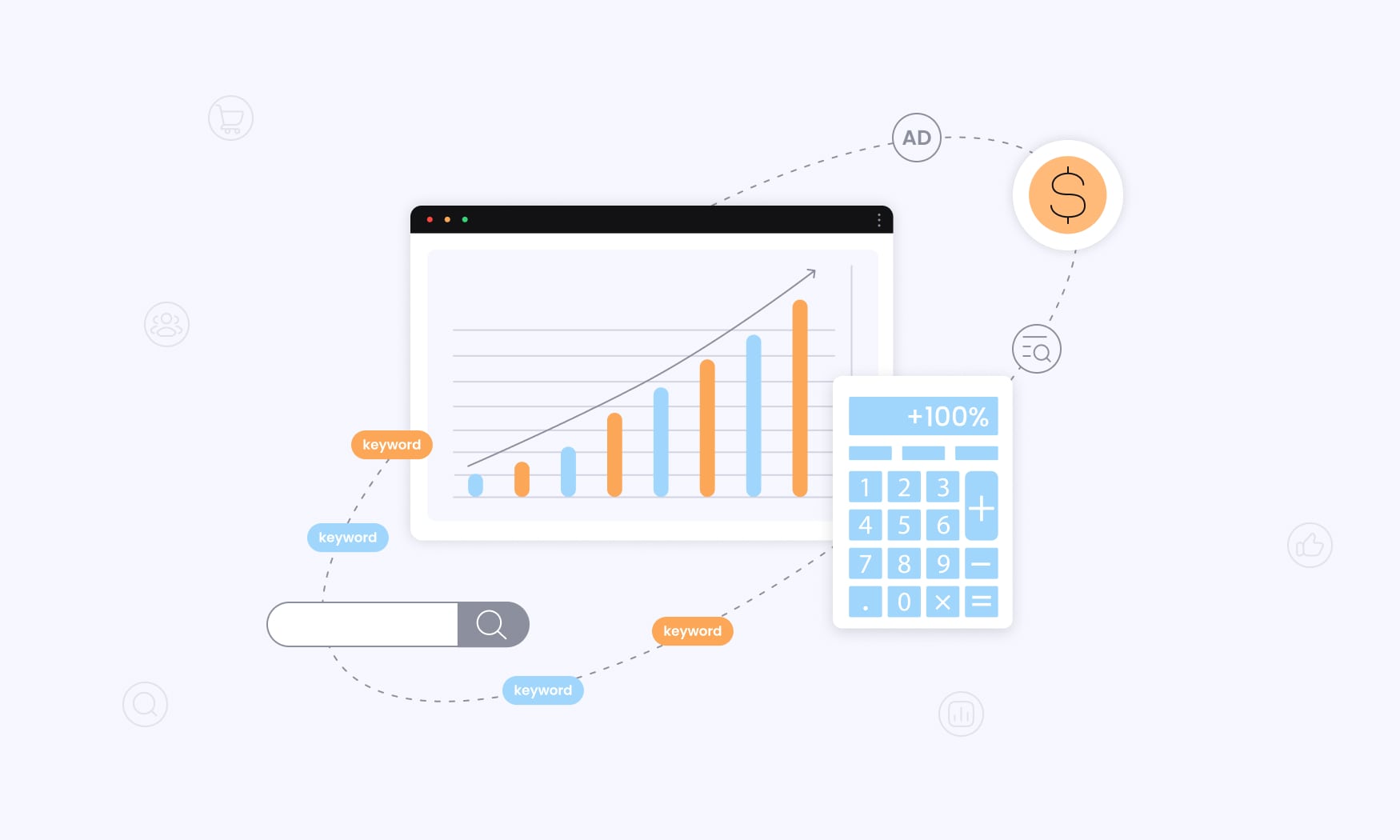
If you’re not ready to invest in premium tools that’s alright because you can still get valuable insights into competitor Google ads strategies using simple, manual methods.
They won’t give you a perfect number, but they’ll reveal directional trends in ad spend, and sometimes that’s all you need to spot opportunities.
Start by tracking ad frequency. Search your target keywords multiple times a day and note when competitors appear in paid results.
The clue: Consistent top positions on high-volume keywords usually mean larger budgets, while sporadic ads suggest limited spend or dayparting strategies.
We already mentionined this but your own Auction Insights report can also serve as a baseline. For example, if you spend $5,000 monthly with 25% impression share, and a competitor shows 50% on the same keywords, their ad spend likely sits closer to $10,000 for that set.
Build a simple tracking sheet to log competitor ad copy, landing page updates, and new campaign launches. Frequent creative testing often correlates with bigger budgets and more advanced campaign management.
You can also run quick calculations:
keywords × average CPC × estimated monthly clicks.
Use Google Keyword Planner for CPC ranges, apply a 2–5% CTR for search ads, and multiply for a ballpark monthly budget estimate.
Finally, monitor search positions throughout the day. Competitors with limited budgets may disappear during off-peak hours, while those with higher ad spend usually maintain consistent visibility.
These DIY approaches won’t replace professional tools, but they give you a low-cost, practical window into competitor ad strategies.
How to Use Competitor Budget Data Effectively
Collecting competitor budget data is just the first step.
The real value comes when you turn those insights into smarter decisions for your Google Ads campaigns. The goal isn’t to copy what others spend, but to uncover budget gaps and untapped opportunities where you can gain market share more efficiently.
Start by analyzing profitable keywords with low competitor investment.
These are often long-tail variations that competitors overlook, yet they can deliver high conversion rates at a fraction of the cost. Allocating budget here lets you win clicks without getting into bidding wars.
Next, adjust daily budgets based on observed patterns, but always anchor them to your own ROI metrics.
If competitors dominate broad keywords with high spend, shift focus toward product- or service-specific terms where your relevance and Quality Score give you a natural edge.
Budget intelligence also strengthens your bidding strategies. When competitors heavily invest in certain ad groups, lean on automated bidding to squeeze maximum value from your available budget–rather than burning cash trying to match their spend.
Keep monitoring! Monthly competitor spend reviews and alerts help you catch sudden changes. A big budget increase could signal a new product launch or seasonal push. A sudden drop? That’s often a temporary opening to gain visibility at lower cost!
Basically, effective use of competitor budget data isn’t about matching dollar-for-dollar. It’s about choosing ad buying methods that exploit inefficiencies, prioritize ROI, and give your Google Ads campaigns the edge where it matters most.
Setting Your Own Google Ads Budget Based on Competitor Analysis
Competitor ad analysis gives you a benchmark, but it should never dictate your entire strategy. Your market position, margins, and goals matter more than simply mirroring someone else’s spend. Think of competitor data as a compass for direction, not a calculator for exact numbers.
When testing new keyword territories, start small.
A safe rule of thumb is 10–20% of the estimated competitor spend. If a rival invests $20,000 a month in a product category, you might begin with $2,000–4,000. Test performance first, then scale once you see profitable results.
Budget allocation should follow competition levels and your quality score strengths.
In auctions with high CPCs, smaller budgets demand focus on the most qualified traffic. On the flip side, if your analysis shows competitors ignoring profitable long-tail terms, modest investments can capture market share quickly.
Remember, Google Ads campaigns need time to mature!
Plan for 1–3 months of optimization–that’s when you’ll collect performance history, refine ad copy, test landing pages, and improve quality scores. This patience often separates campaigns that scale profitably from those that waste spend.
Conversion rates and lifetime value also shape your budget decisions. A business with stronger margins or repeat buyers can often outbid competitors profitably (even on expensive keywords) by focusing on high-intent search terms, shopping ads, or even video ads where competition lags.
Finally, structure multiple campaigns with budget tiers!
Assign bigger portions to areas where competitors underinvest, and run smaller test budgets where competition is intense. This diversified approach ensures you’re not overspending in crowded spaces while still exploring untapped opportunities.
Use competitor ad analysis as guidance, but set your budgets with ROI, audience intent, and business goals front and center!
Common Mistakes When Analyzing Competitor Ad Budgets
Competitor budget insights can sharpen your paid search strategy–but only if you use them correctly. Too many marketers misinterpret data, overreact, or copy strategies blindly. The result? Wasted ad spend and missed opportunities. Here are the most common mistakes to avoid when doing competitor analysis or broader competitive analysis.
1. Copying Competitor Strategies Blindly
It’s tempting to think that if a competitor spends big, they must be winning. But higher ad spend doesn’t always equal better performance. Many advertisers overspend, target too broadly, or operate with margins and goals that don’t apply to your business. Instead of copying their approach, use budget data as context–then adapt it to your unique positioning and ROI goals.
2. Relying on a Single Data Source
Tool estimates vary–a lot. Auction Insights, Google’s Ad Transparency Center, and third-party platforms all calculate spend differently. If you only trust one source, your numbers may be skewed. The smarter play is to triangulate: compare free native reports with premium tools and manual observations. A blended view always leads to better decisions.
3. Ignoring Smaller Competitors
Marketers often focus only on the “big spenders.” But smaller competitors can be just as important. They may have leaner Google Ads campaigns, more efficient campaign structures, or smart keyword plays that deliver high ROI with less spend. Broadening your competitive analysis beyond the top players uncovers profitable niches others overlook.
4. Treating Spend Estimates as Exact Numbers
Every tool relies on modeled data. That means competitor ad spend figures aren’t exact–they’re educated estimates. Use them directionally, not literally. A good rule of thumb is to factor in a 20–30% margin of error when making budget decisions.
5. Overreacting to Short-Term Changes
Competitors shift budgets for many reasons–tests, promotions, or seasonal pushes. If you adjust your campaigns based on every spike or dip, you’ll waste budget chasing noise. Instead, look at 60–90 day trends to spot real, long-term shifts.
6. Overlooking the “Why” Behind Spend
Numbers tell you what competitors are doing, but not why. Go deeper. Review their landing pages, ad copy themes, and keyword focus. This type of qualitative competitor analysis helps you uncover customer acquisition strategies that you can adapt–without copying tactics blindly.
6. Using Tools Without Strategy
Even the best platforms won’t help if you don’t know how to apply the insights. Competitor budget analysis isn’t about outspending rivals–it’s about outsmarting them. Combine free Google tools, selective premium platforms, and manual monitoring to guide smarter ad spend allocation that fits your business model.
Conclusion: Smarter Budgeting Starts With Smarter Data
Learning how to check competitors Google Ads budget gives you an important edge, but only if you avoid the pitfalls.
Free Google tools like Auction Insights and the Transparency Center offer useful starting points, while premium platforms provide deeper estimates.
Manual tracking methods can also highlight patterns in competitor spending. But each of these approaches has limits: they’re fragmented, time-consuming, and often only show part of the picture.
The pain point most marketers face is clear: data is scattered, hard to trust, and slow to act on.
Competitor ad formats change quickly, impression share numbers fluctuate daily, and spend estimates often carry a 20–30% margin of error. If you’re making decisions based on incomplete signals, your own campaigns are at risk of wasted budget, poor optimization, or missed opportunities in profitable keyword spaces.
That’s where RedTrack draws the line.
(give us props for dramatic line!!)
Instead of juggling multiple tools, spreadsheets, and half-accurate reports, RedTrack gives you a single source of truth for ad tracking and performance measurement.
From server-side tracking that never loses conversion data, to real-time reporting across 200+ traffic sources, to automated rules that optimize own campaigns on the fly, RedTrack is built for performance marketers who want clarity and control.
Competitor analysis matters, but it should serve your growth, not distract from it.
With RedTrack, you can confidently monitor performance, understand how competitor strategies impact your market, and direct your budget into the ad formats and channels that actually deliver ROI.
If you’re serious about making your budget work harder in 2025, RedTrack is definitely something you should have in your arsenal.


