
Server side tracking is becoming a default way of tracking ads, and that future is inevitable.
We know it, you know it, birds on the branches know it.
That being said, performance media buyers usually go with ad trackers or sGTM solution, and one of the top choices is always Stape.io – and no wonder! Stape is an amazing sGTM tool with features true performance media buyers respect and love to have in their toolstack.
But what happens when you find yourself in need for built-in performance analytics or unified attribution dashboard?
What happens when you need more advanced tool that delivers full-funnel tracking across every stage of customer journey?
It doesn’t take long until you start looking into Stape alternatives, and that’s exactly why we researched particular cases where those alternatives actually make sense and presented them as such:
1. RedTrack – Best alternative to Stape
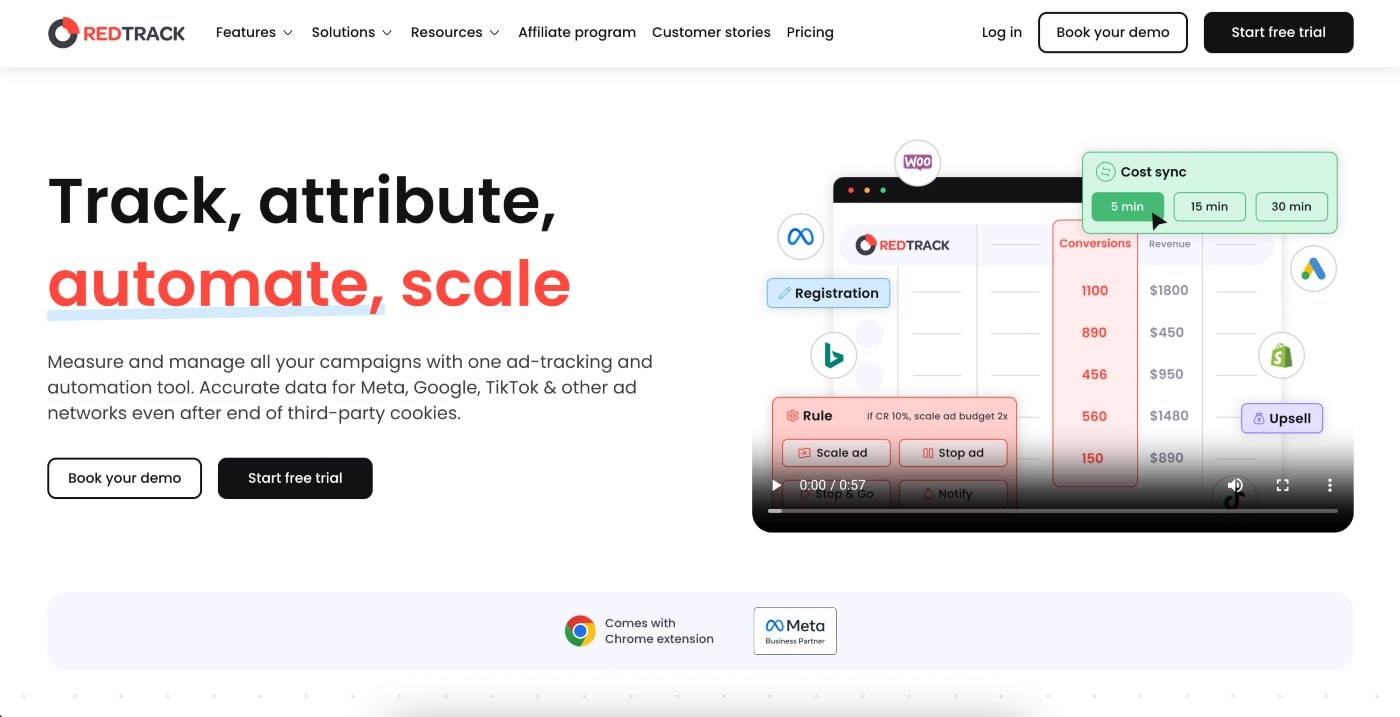
RedTrack is an advanced, full-funnel, multi-channel, all-in-one ad tracking and conversion attribution tool. It collects, stores, and analyzes data from the entire customer journey, and then lets you set up automations to optimize your marketing and ad campaigns without manual rework.
What makes RedTrack the best Stape alternative
Unlike Stape, which is a server-side tagging solution for platforms like Google Analytics 4 (GA4), that simply enables accurate data flow, RedTRack goes way above that to offer a complete performance marketing platform and ensures data quality.
At its core, Stape stays focused on giving you the infrastructure and laying the groundwork for server-side tagging by letting you host a GTM server container. But if the reason you’re looking for a Stape alternative is that you want more than just a hosted container, then RedTrack will be a major upgrade.
With RedTRack, you won’t need to go through the hassle of setting up tags and triggers in GTM for every platform individually. That’s because RedTRack can reach out, grab conversion data, and send it straight to your ad channels via APIs and postbacks.
The great thing about this server-side tracking solution is that it takes an all-encompassing approach. It actively participates in helping you boost your marketing efforts by suggesting ways to make your campaigns work even better.
Who is RedTrack for?
RedTrack is one of the best solutions for any business or marketing consultant who’s after accuracy, speed, insights, and automations. While it does involve some technical setup, it’s been designed to be manageable for performance marketers and media buyers who don’t necessarily have a high level of coding expertise.
It works well for:
- Performance marketers & digital agencies – You don’t have to jump between multiple ad platforms and managers because RedTrack integrates real-time data from 200+ platforms.
- Media buyers & ad agencies – If you’re buying ads across multiple channels, be it Meta Ads, Google Ads, or TikTok, and want all your data in one place so you can make decisions quickly.
- E-commerce businesses – Helps you match revenue and uncover the full-funnel customer journey by tracking non-linear paths.
RedTrack’s best features
- Multi-channel tracking & attribution – Using first-party cookies and server-side tracking, you get accurate attribution for standard and custom conversion events for different business models, across channels.
- Conversion API integrations – With direct, pre-built API integrations with major ad platforms like Meta, Google, Bing, and TikTok, you get rich conversion data sent to the platform for better optimization.
- Automation features – RedTrack isn’t just a tracking solution; it’s also a marketing and ad campaign optimization platform that lets you set up rules for how you want traffic to be distributed or budgets to be allocated. You can automatically stop underperforming ads and redirect traffic to a campaign that’s delivering better results.
- Reporting dashboards – Advanced dashboards let you know where conversions are coming from, how your funnel is performing, and the ROI, all from one centralized platform.
- Performance marketing features – You get funnel and affiliate tracking, fraud detection, and cost syncing. The tool can even deal with post-conversion adjustments, like refunds or upsells, so your data stays nice and clean.
2. TAGGRS
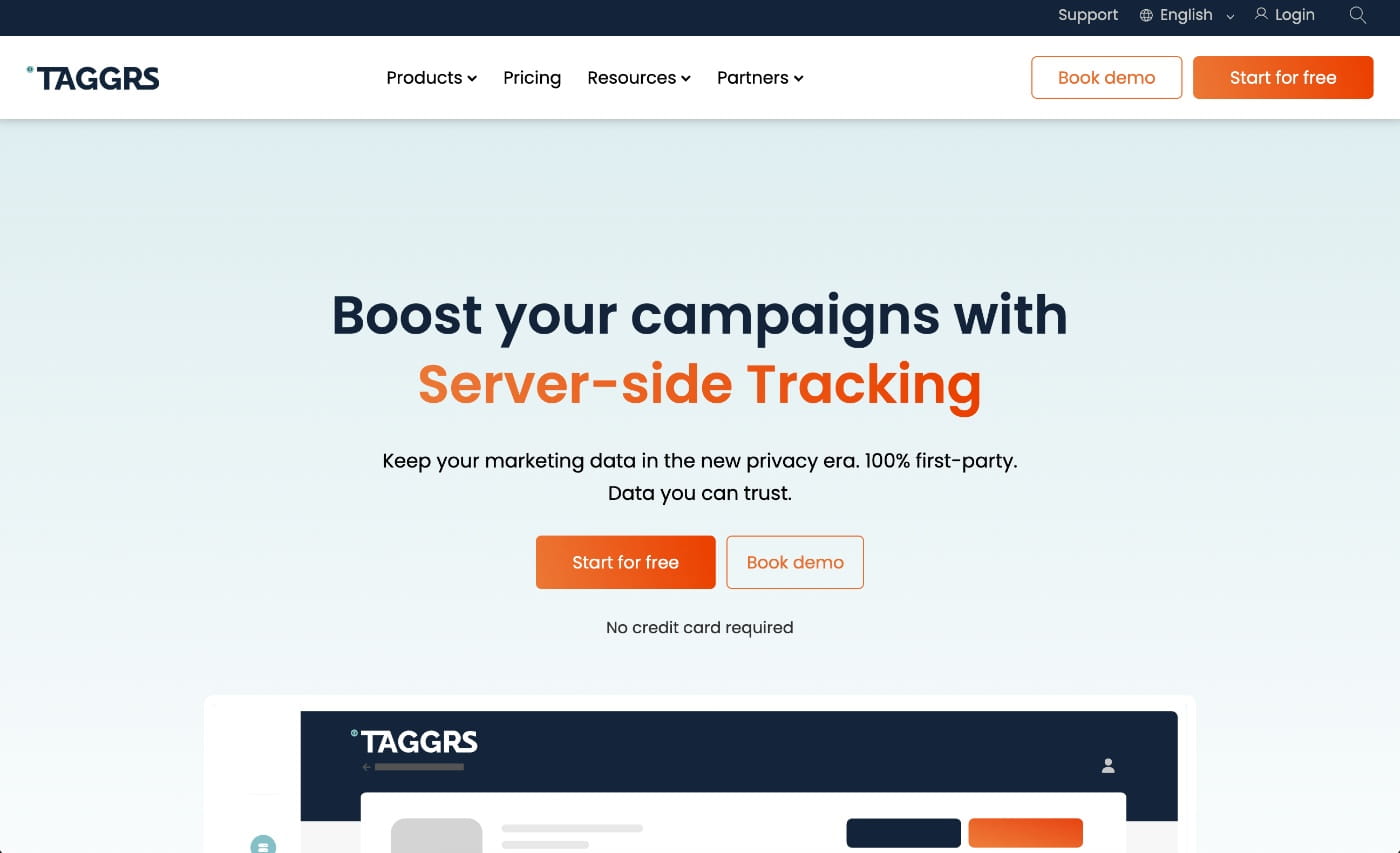
TAGGRS is a cloud-hosted Google Tag Manager solution that helps you track user behavior by routing data through to your own servers, avoiding ad blockers and browser restrictions.
It’s best for small and medium-sized businesses that are just starting with server-side tracking.
What makes TAGGRS a good Stape alternative
When compared to Stape, TAGGRS offers a more user-friendly alternative. Its main goal is to make the setup of server-side Google Tag Manager (GTM) simpler. While you still have to work with GTM containers and tags, the tool does all the heavy lifting on the cloud infrastructure, and it also gives you some pre-built templates for standards tracking needs.
The great thing about TAGGRS is its intuitive web interface, clear documentation, and resources to help make the whole server-side GTM setup less daunting. It’s also great for non-techy types who might need support along the way, but still want to manage and run the show on their terms.
So it’s a platform that gives you support and flexibility when you run into trouble with self-hosting.
TAGGRS’s best features
- Pre-built GTM server templates – With ready-made templates, you don’t need to manually set up server containers and configure cloud servers from scratch. These templates will save time, and for those of you who are new to the game, they make sure you get the best-practice basics right for proper and accurate tracking.
- GDPR & compliance sorted – TAGGRS uses EU-based cloud servers and comes with compliance features already built in. This is a huge plus for businesses that prioritize data privacy compliance and regulations.
- Visual reporting dashboards – For marketers, you get a dynamic graph that visually displays client-side and server-side data, where you can specifically see the percentage increase for standard or customer events.
- Support features – For marketers that aren’t GTM pros, TAGGRS provides extra support and guidance to make sure you get set up properly from the get-go and even during the process of migrating from other platforms.
Potential drawbacks of TAGGRS
- Requires some GTM know-how – Because you’ll still need to manage and tag schema yourself, you’ll still need to have someone on the team who has some basic GTM knowledge. The platform makes hosting and setting things up easier, but you’ll still need the help of a developer.
- Not a complete analytics solution – TAGGRS’s priority is to get the tracking infrastructure right, and they’ll do that, but they won’t give you all the reporting depth and data analytics you’ll need to get the complete picture. It won’t give you the kind of built-in dashboards and multi-channel attribution insights tools like RedTrack will.
3. Addingwell
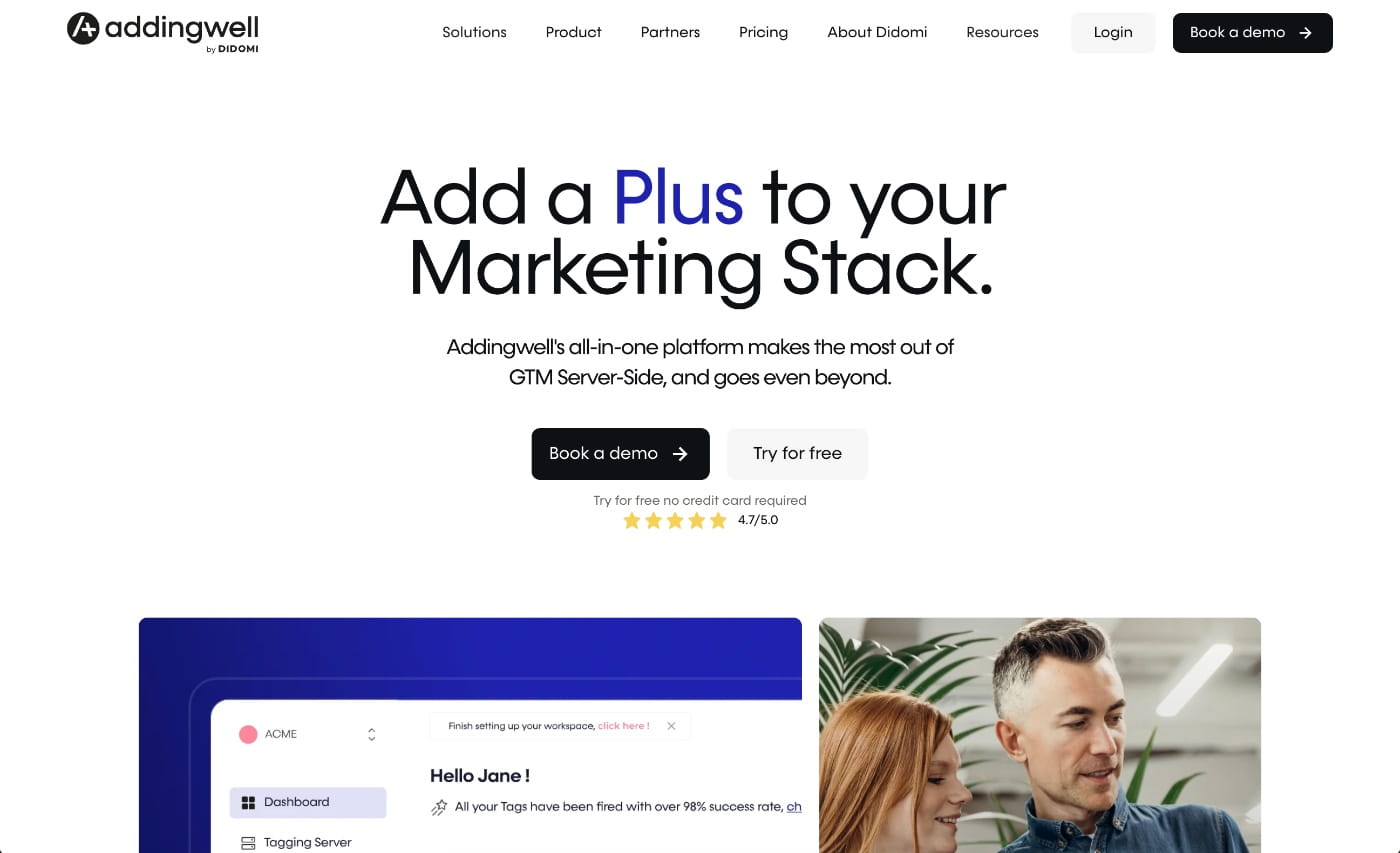
Addingwell is a premium, fully managed hosting platform for server-side Google Tag Manager (sGTM) that lets businesses move tracking from the browser to a private server. Ultimately, and like Stape, it helps improve data accuracy and privacy compliance while bypassing ad blockers.
Addingwell is designed for established businesses and enterprises that need a high-compliance server-side tracking solution.
What makes Addingwell a good Stape alternative
Addingwell is a developer-friendly alternative to Stape. If you like Stape but want more support and tools for debugging and flexibility to host in different locations, Addingwell is a good server-side tracking tool.
The thing Addingwell does well is making the technical flow much easier. The platform makes it easy to manage your server container, view logs, and debug events in real time via its web interface. You basically get the control to run everything on your own server but with the convenience of a SaaS dashboard.
The other thing that makes Addingwell an appealing option for organizations that are concerned about data governance is that they offer hosting in multiple regions, including EU and US data centers. So if you’re a large business that can’t afford to have your tracking go down, but also don’t want to run servers in-house, Addingwell gives you control and visibility into server-side tagging setup, but without having to do self-hosting on Google Cloud.
Addingwell’s best features
- Developer-friendly UI – You get a super clean dashboard that lets your developers manage multiple GTM server containers in one place. This means your marketers can quickly spot issues with tags or API calls without needing to look through a bunch of cloud logs.
- EU & US data centers – Host your server-side container in either Europe or the United States so you tick all your compliance boxes.
- Visual interface – You get a visual interface for configuring tags and triggers. While it’s not an entirely “no-code” system, you can do certain repetitive tasks faster through the UI, which will make deployment much faster.
- Debugging & monitoring – You can identify issues and fix them quickly. Because you can monitor requests and events in real time through the dashboard, you can verify if your server-side tags are firing correctly and make sure data is flowing to the right places.
Potential drawbacks of Addingwell
- Higher cost – When you compare pricing, Addingwell is on the pricier end. What you’re paying for is the neater UI, extra support, and infrastructure, which are all great benefits if that’s what you need.
- No built-in analytics – Like Stape and TAGGRS, Addingwell doesn’t offer a complete analytics solution – it’s a tracking tool. So there is no handy built-in marketing analytics dashboard.
4. Tracklution
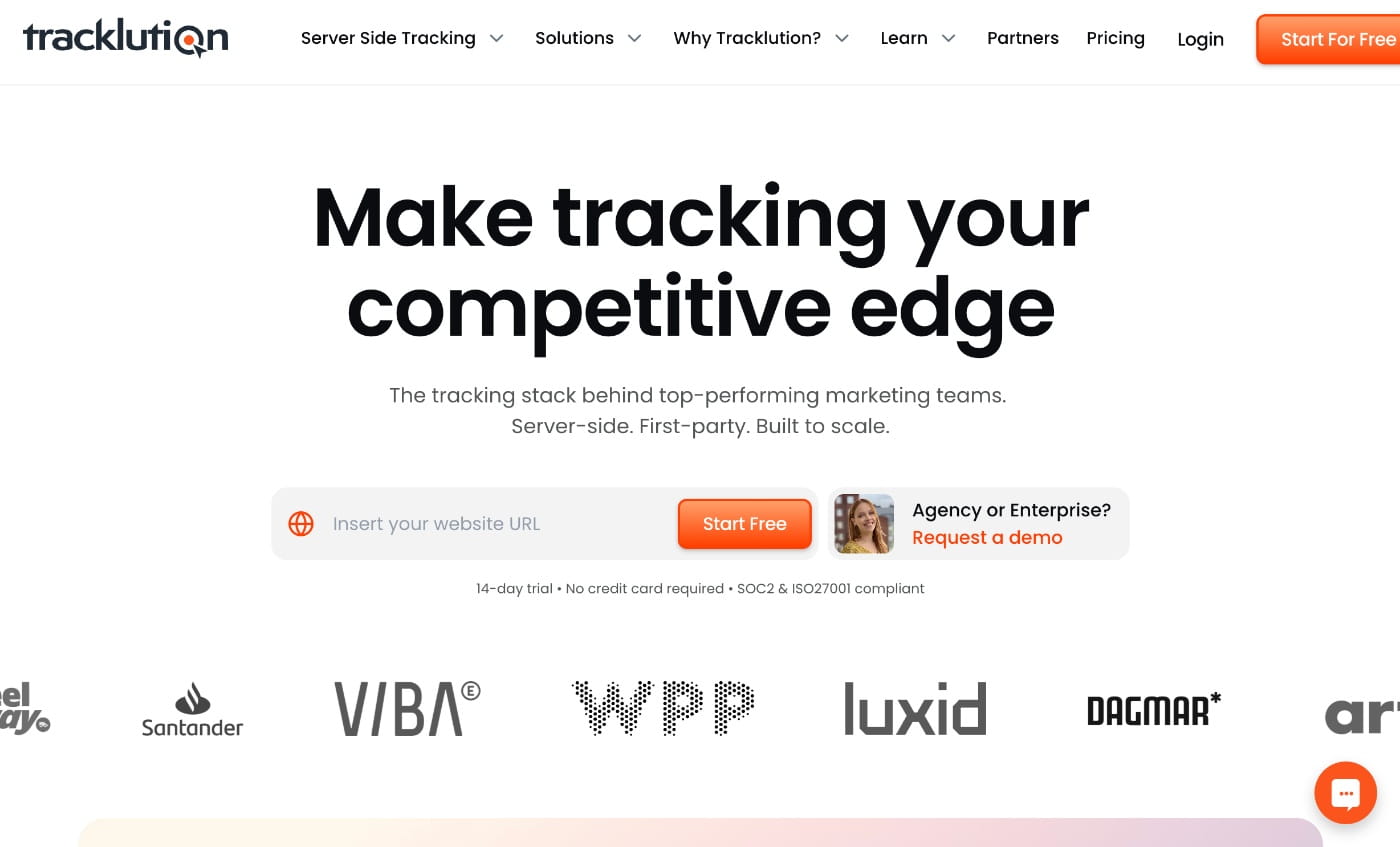
Tracklution is an all-in-one, fully managed tracking service provider with no-code setup. The tool acts as a unified data pipeline, which collects first-party data and uses ready-made connectors to feed it directly to various platforms like Google Ads, Meta CAPI, TikTok, and LinkedIn.
It’s a good server-side tracking solution for marketers, e-commerce shop owners, and lean tech teams that want to avoid ongoing maintenance required by tools like Stape.
What makes Tracklution a good Stape alternative
The main difference between Tracklution, Stape, and most other tools in this list is that it’s a plug-and-play, totally managed tracking platform, which means no technical headaches for your team.
So unlike Stape, where you have to configure and set everything up, Tracklution provides you with a complete solution. They add a small script to your site, hook up your ad accounts, and then they take care of all the server-side processing and integrations behind the scenes.
If you don’t want to have to write any code and don’t want the responsibility of server maintenance, Tracklution is a solid choice. The tool’s main focus is making conversion tracking quick and simple for marketers and businesses.
It’s a tool that’s particularly appealing to marketing teams with a long list of clients because Tracklution can be set up across all their clients’ websites and they know they can gather more conversion data tha they could with client-side tracking alone.
Tracklution’s best features
- No-code data pipeline – You don’t need technical teams to get you up and running. The moment you install Tracklution, the system automatically starts working, processing and routing all your events server-side.
- Maintenance-free – The team at Tracklution handles all the maintenance and upgrades. They handle all the infrastructure, keep the conversion APIs up to date, and make sure everything stays up and running so you don’t have to keep an eye out for anything.
- Built-in diagnostic & reporting tool – You get a clear view of which events are being tracked and where they are being sent, all from one dashboard.
Potential drawbacks of Tracklution
- No bespoke tinkering – Tracklution’s strength is the simplicity it provides to users. However, this also means you don’t have any way to tinker or customize your tracking setup. So if you’ve been used to a custom GTM stack that’s been crafted by your developers, this may feel like a step backwards.
- No advanced customer data capabilities – The tool will take care of conversion tracking for ad platforms, but if you want to do any deep dives and analyze customer data, you won’t get that with Tracklution. Combining disparate sources and doing user journey analysis won’t be possible.
Conclusion – How to choose best Stape alternative?
First, start with super simple, but often overlooked question: what problem are you actually trying to solve?
If your only goal is to host server-side tags, then infrastructure Stape and its usual competitors provide, may just be enough. So sending the data isn’t the problem.
We know that problem usually lies in trying to understand the data, trust it and action on it.
The best server side tracking Stape alternative should go beyond technical advancement and help you actually own your performance data end to end – so that being said, you should look for a solution that:
- Acts as a single source of truth for clicks, conversions, revenue and costs,
- Provides real-time, unsampled reporting across all channels
- Supports independent attribution, not platform-biased models
- Includes automation and optimization, not just data collection
We already recommended it, and we’re going to do it again, so here it goes:
RedTrack is built specifically for performance media buyers who want full control, custom setups and cleaner data out of their tracking campaigns.
Data volumes RedTrack is able to provide you with give you maximum flexibility in making informed decision on how to scale your campaigns to a whole new level.


